
Four ways to clock in.One record at the end.
Your staff are not all the same. Some have a smartphone. Some have an old phone. Some work where there is no signal. Each of them gets a way to clock in that works, and all of it lands in one place.
For sites where one way of clocking in will never fit everyone.
Not everyone has a smartphone
You buy an app, then find half the team cannot run it. So those people go back on paper, and you are running two systems.
The signal drops
A site with no bars is not a site with no shift. If the clock-in needs the internet right then, it fails on the days it matters.
People clock in for each other
A shared PIN is a shared identity. Anyone can be anyone, and you only find out when the wage bill arrives.
Every method keeps its own list
The terminal has one list, the app has another, the register has a third. Month-end is spent making them agree.
Pick one per site, or use all four
They all write to the same record. You do not choose once for the whole company.
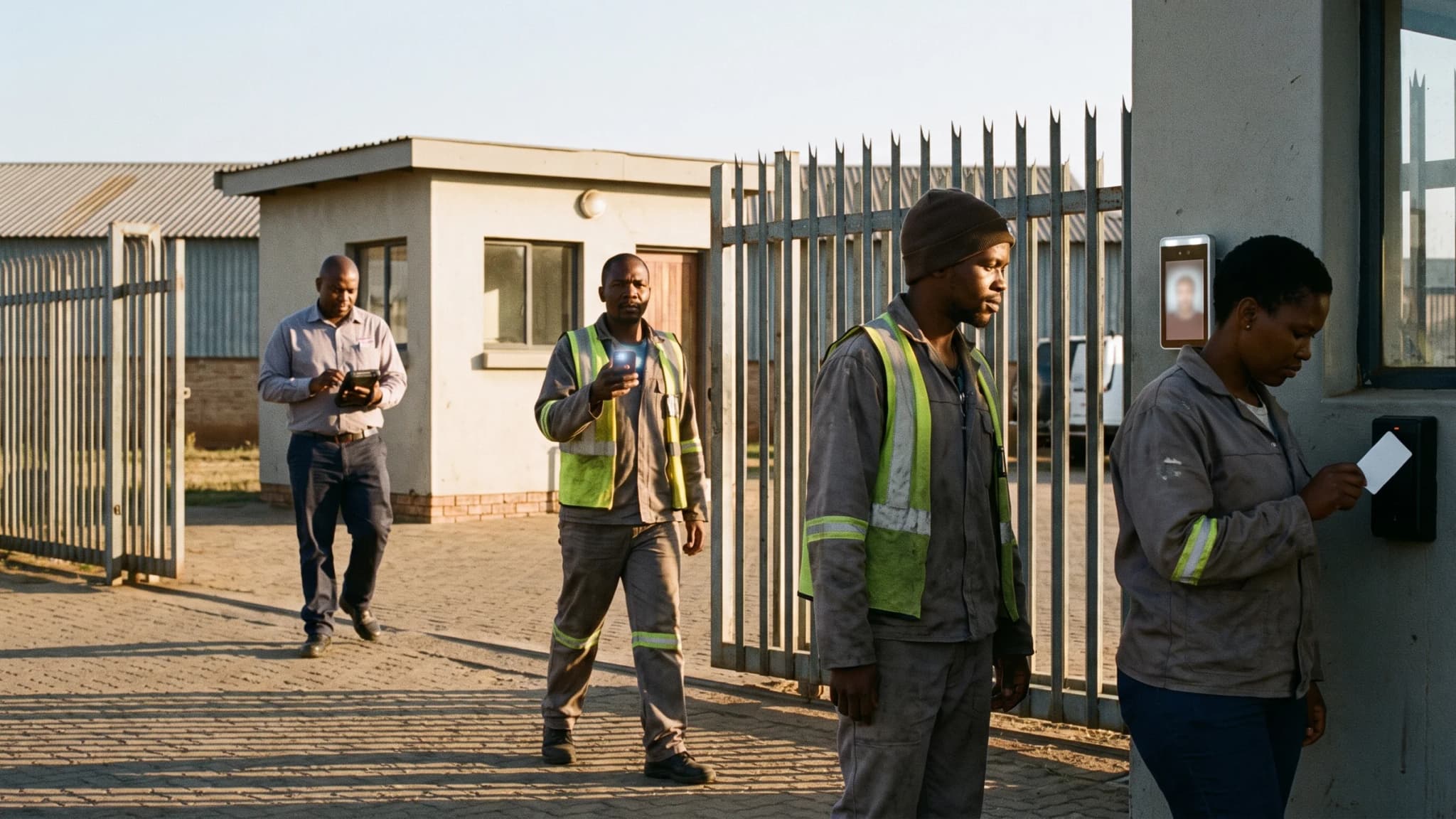 Look at the cameraSend a messageOpen the appTap a card
A WhatsApp message
Your staff send a message to clock in. There is nothing to install and nothing to learn, because they already use it every day. It picks up where they are when they send it.
Their face, on their own phone
The app checks their face and checks they are on site. It works with no signal and sends the clock-in later, so a bad line never costs somebody their hours.
A card or a tag
Tap a card on a phone or a reader. It takes about a second each, so a crew of forty is clocked in before they have put their bags down. Good where nobody carries a phone.
A terminal on the wall
A face or a finger at the door. Fit it where the staff already walk in, and the clock-in and the door become the same thing.
Built for how people here actually work
Most systems are built for an office. Yours is not an office, so this is built for what you have.
Cheap Android phones are the plan, not the problem
The app runs on the cheap phones your staff already own. You do not have to buy a handset for everyone. There is no spec that quietly leaves half the team out.
Prepaid phones and no airtime
A WhatsApp clock-in costs almost nothing to send. Staff on prepaid can still clock in on a day they have no airtime left for a call.
Load-shedding
When the power goes, the terminal keeps its record and the phones keep working. Nothing is lost while the lights are off.
Questions about clocking in
Can staff clock in on WhatsApp?
Yes. They send a message from their own phone to clock in and out. There is no app to download and no hardware to buy. The message records where they were when they sent it.
Does it work when there is no signal?
Yes. The app and the card readers keep the clock-in on the device and send it as soon as they are back online. Nobody loses hours because a site has poor coverage.
How do you stop people clocking in for each other?
The face check ties the clock-in to a person, and the phone check ties it to a place. A card on its own can be handed over, so use cards where a supervisor is present and faces where they are not.
Can we use different methods at different sites?
Yes, and most customers do. A head office might use the wall terminal, a remote crew uses WhatsApp, and a big yard uses cards. All of them write to one record.
What if a worker has no phone at all?
Use a card or a shared device. One tablet or one reader covers a whole site, so nobody needs to own anything to be paid correctly.
Try it with your own team.
Set it up yourself and use it free for 14 days. No card and no sales call. Start with one site and one method, and add the rest when you are ready.