

Know who came to work today.
See who is at work right now. Timesheets, leave and staff documents in one free app.
- Free for good
- No card
- No contract
On Android and iPhone. Register and we send you the link.
One short sign-up. We set it up with you and WhatsApp you.
01Set up
Three steps to your first clock-in.
You can do it all from your own phone. Your staff use the phone they already have.
 1
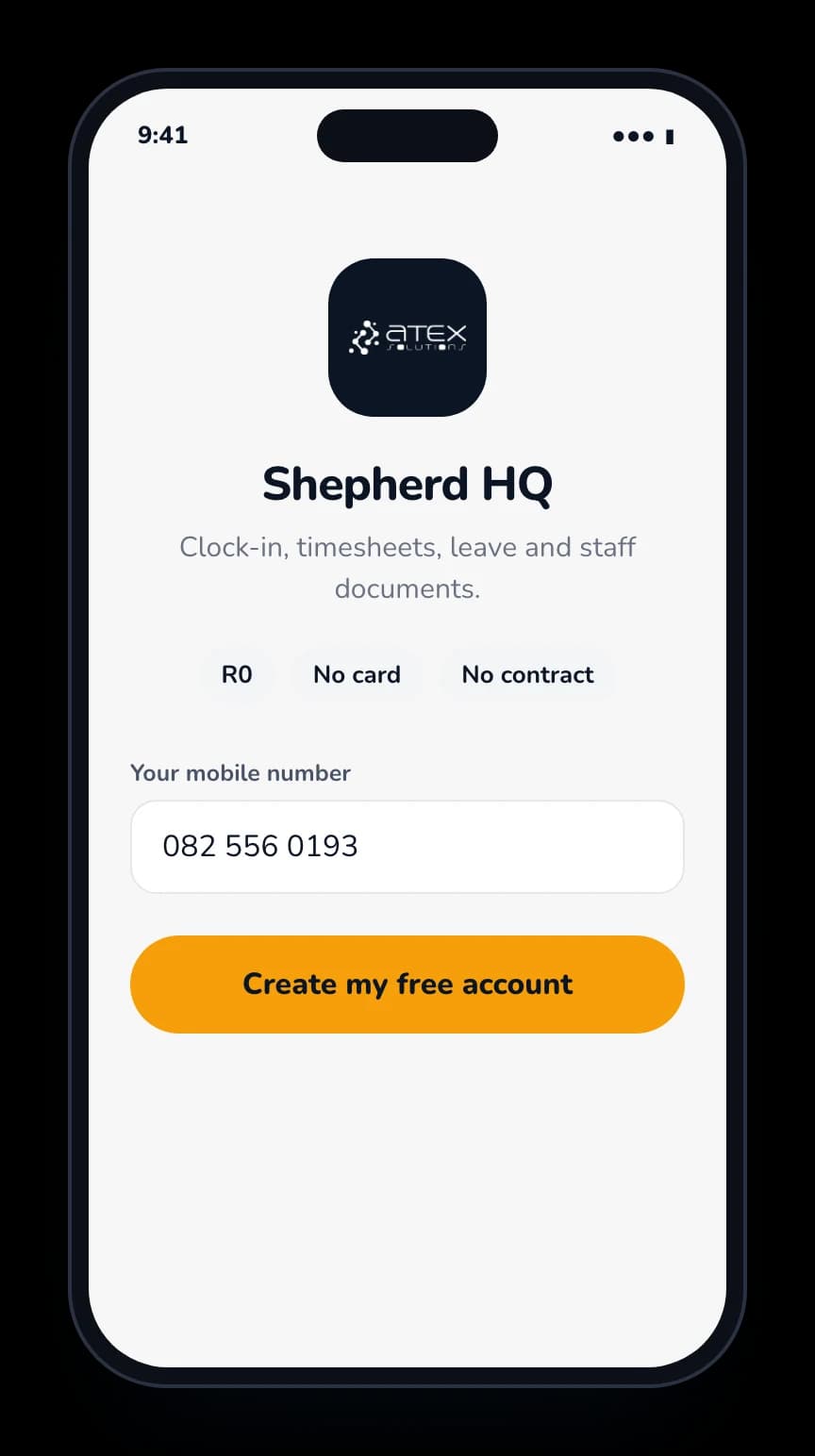
Register and get it on your phone.
Free. No card, no contract.
 2
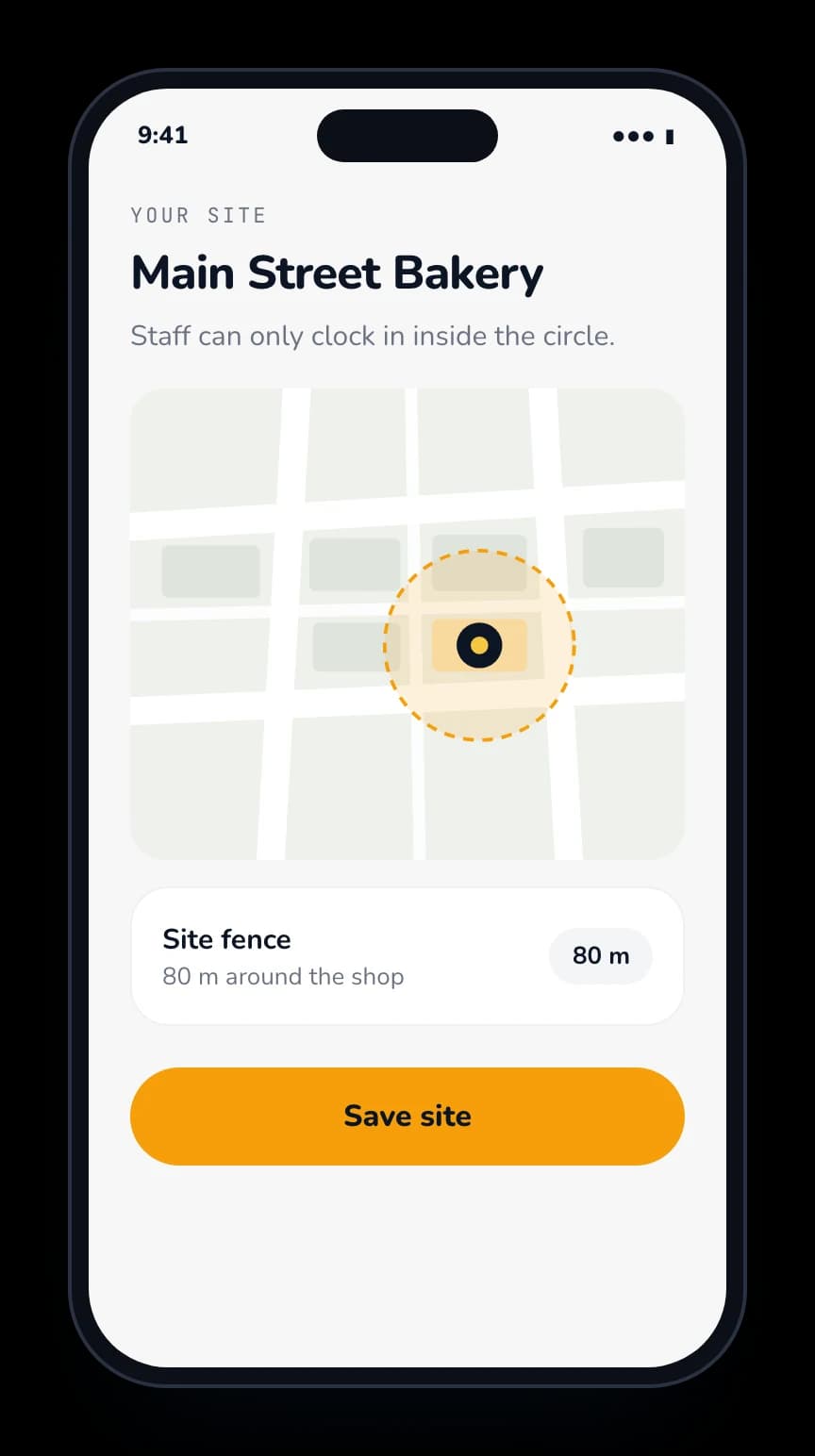
Add your company and your site.
Draw a circle around it. Staff can only clock in inside it.
 3
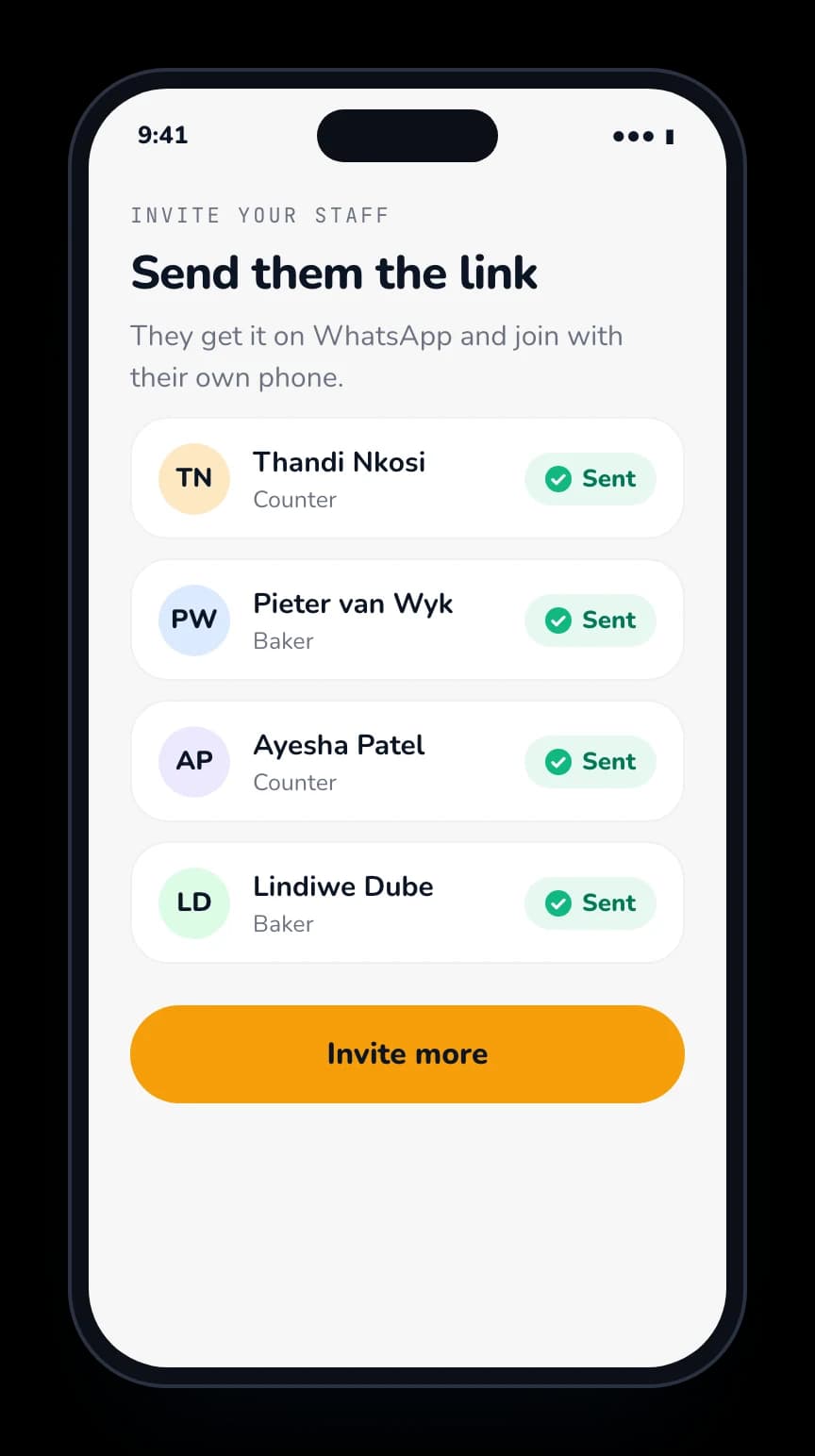
Invite your staff on WhatsApp.
They join with the phone they already have.
02What you see
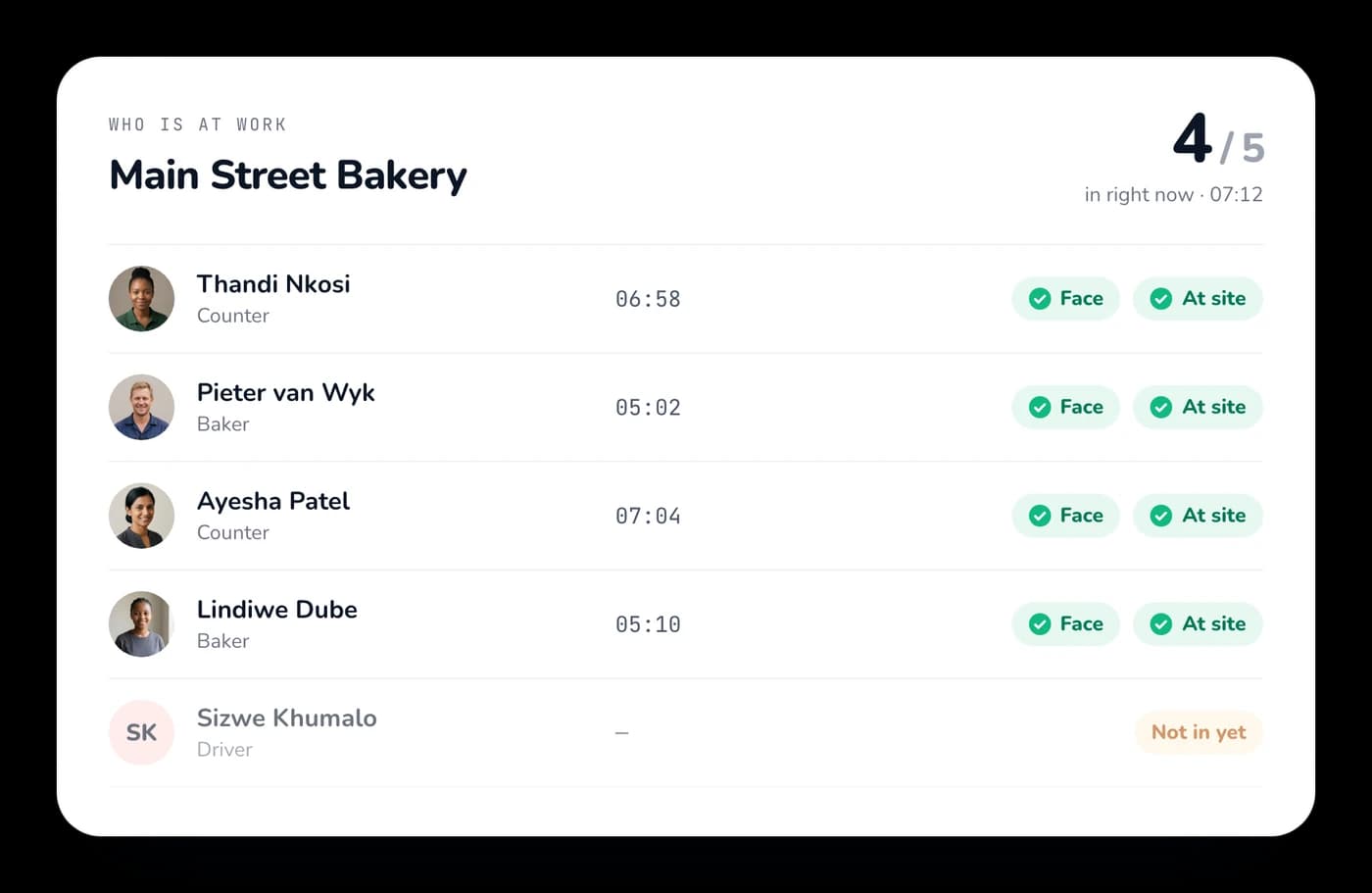
See who is at work, right now.
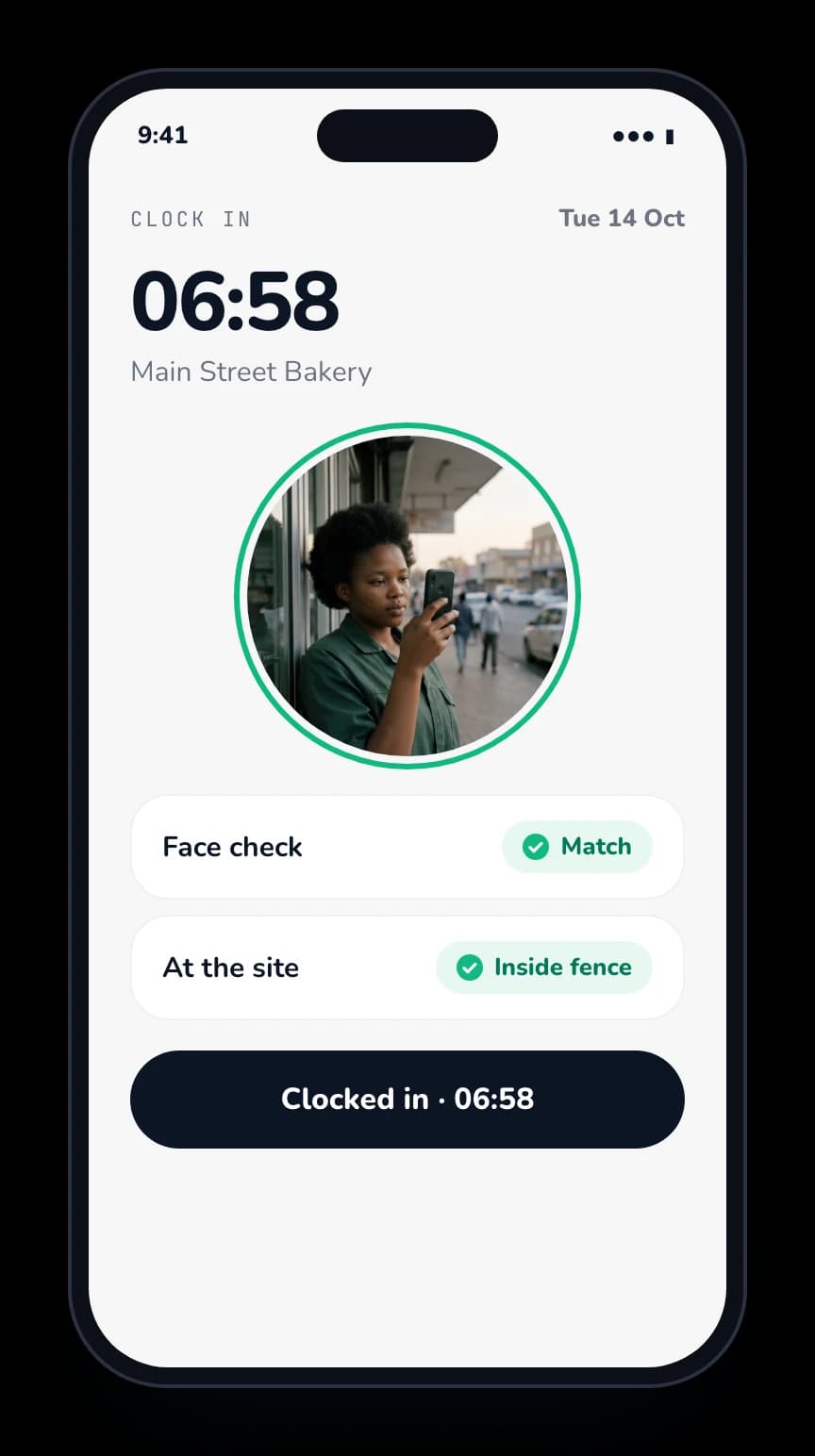
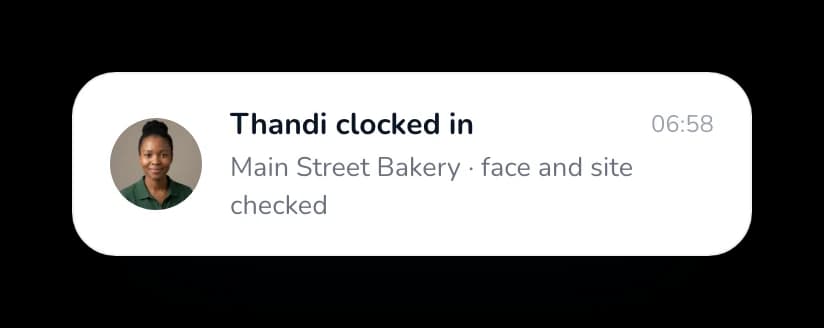
Every clock-in checks the face and the place. The hours add up on their own.
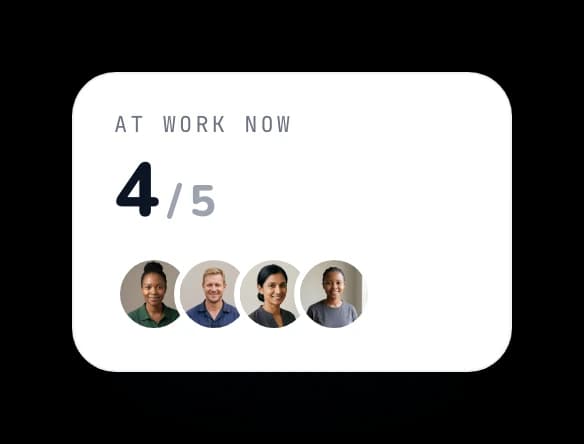
See who is in right now, and who is not.
- Clock in on their own phone
- GPS check: only at the site
- Face check, so nobody clocks in for a friend

A timesheet for every week.
Every person, every day, from their clock-ins. Late clock-ins and leave are noted. Print it or send it on.
See a sample (PDF)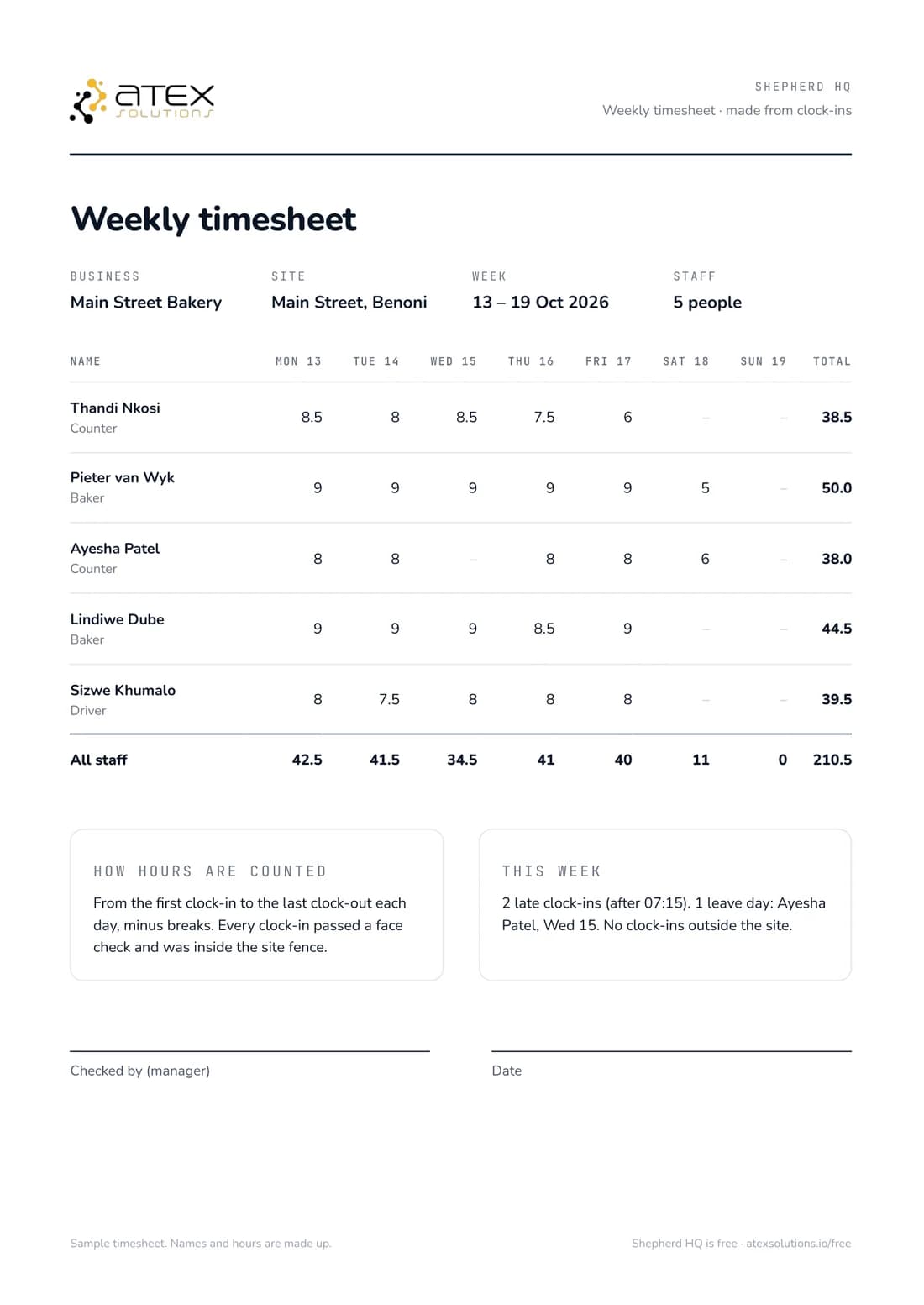
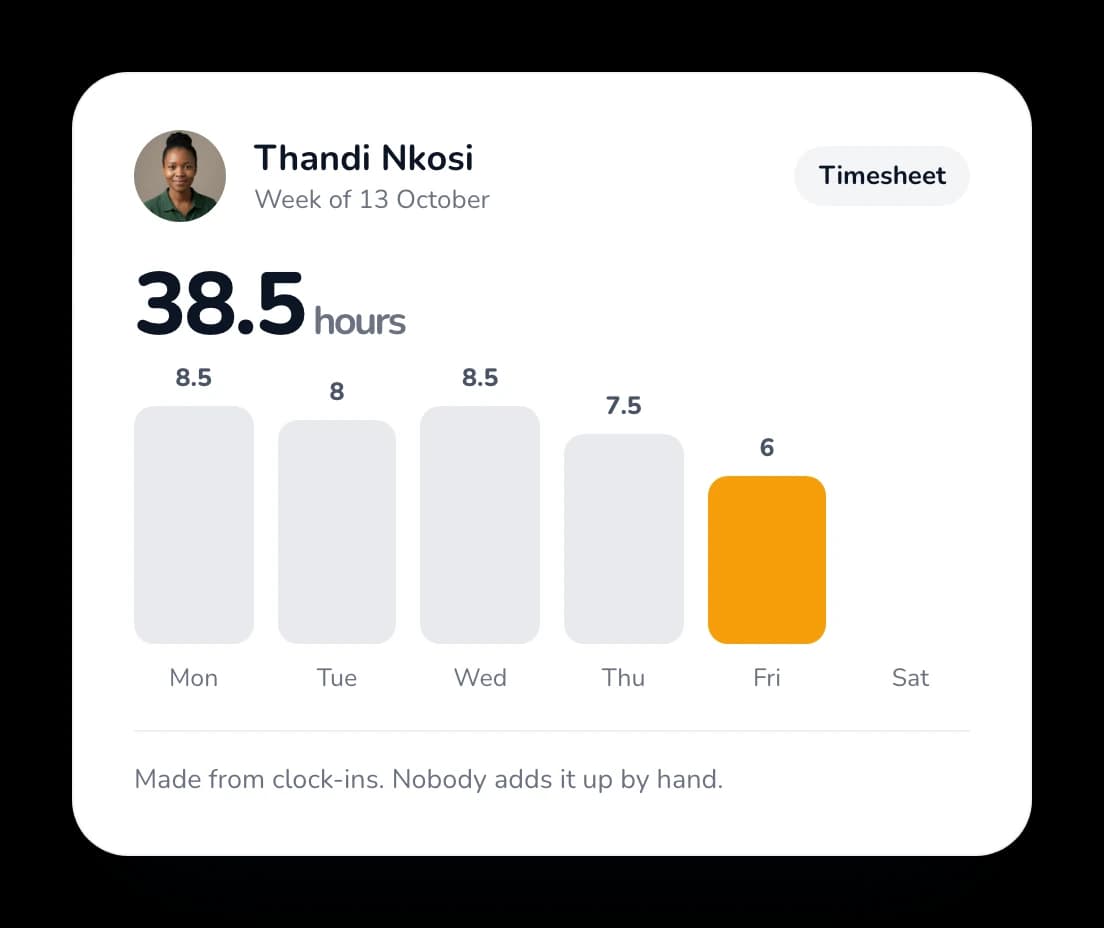
Timesheets
Made from clock-ins. Nobody adds them up by hand.
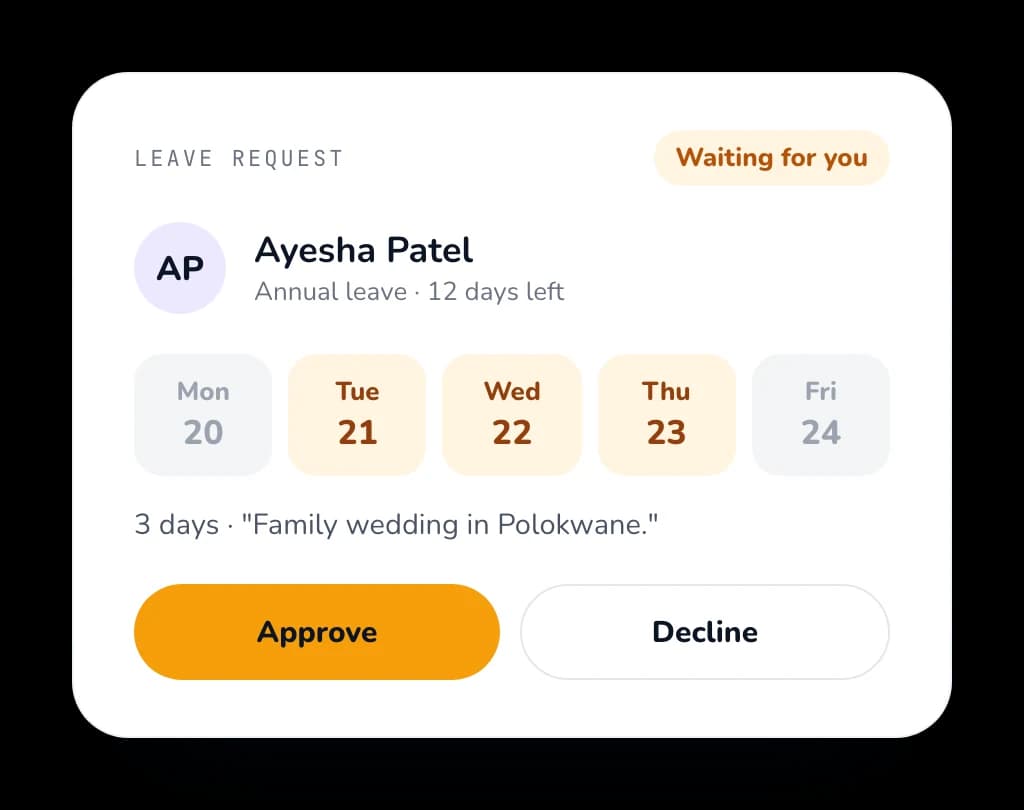
Leave requests
Staff ask in the app. You say yes or no.
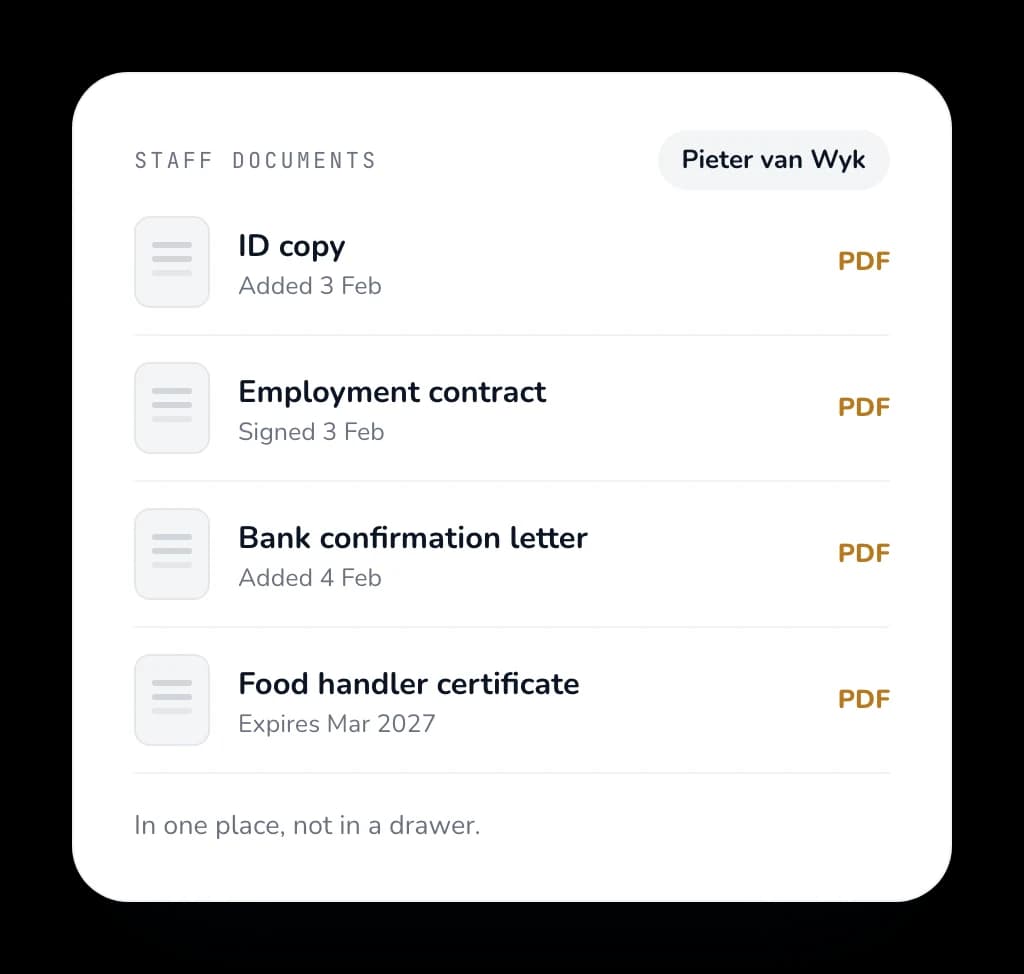
Staff documents
Contracts and IDs in one place, not in a drawer.
03Labour law
Trouble with a worker? Your file is ready.
If it goes to a hearing or the CCMA, you need proof. Shepherd puts it in one file for you.
- A case file in one clickClock-ins, timesheets, leave and documents for one worker, in one file you can send.
- Labour law helpOur labour law partners help you do it right, before and after.

04Works with your AI
Manage your business with  Claude.
Shepherd works with most AI apps. Ask about your team in plain words, and get answers from your own data.
- 1Join the waitlist with your email.
- 2We send you the Shepherd connector.
- 3Add it to your AI app. Sign in with your Shepherd login.
One short sign-up. We set it up with you and WhatsApp you.
ClaudeShepherd connectedWho is not at work today?
Looked in Shepherd HQ
4 of your 5 staff are in at Main Street Bakery. Thabo has not clocked in yet. His shift started at 07:00.
- “How many hours did Thabo work this week?”
- “Who is on leave next week?”
- “Whose documents run out this month?”
05What it costs
Free is free. Extras when you need them.
No trial that runs out. You only pay if you add extras like payroll export or shift planning.
Free
- Clock in on their own phone
- GPS check: only at the site
- Face check, so nobody clocks in for a friend
- See who is at work right now
- Timesheets
- Leave requests
- Staff documents
Only if you want them
- Payroll export (Sage, PaySpace, Xero)
- Shift planning
- Many sites on one live map
- Logins for your clients
Paid upfront+ a fee every year
One door, one queue. Staff on other sites can’t clock in.
Free
Staff clock in on their own phone, with a face check, on every site.
No phones on site? Put a rugged phone on the wall as a clock-in station. You can buy one in our shop.
06Why
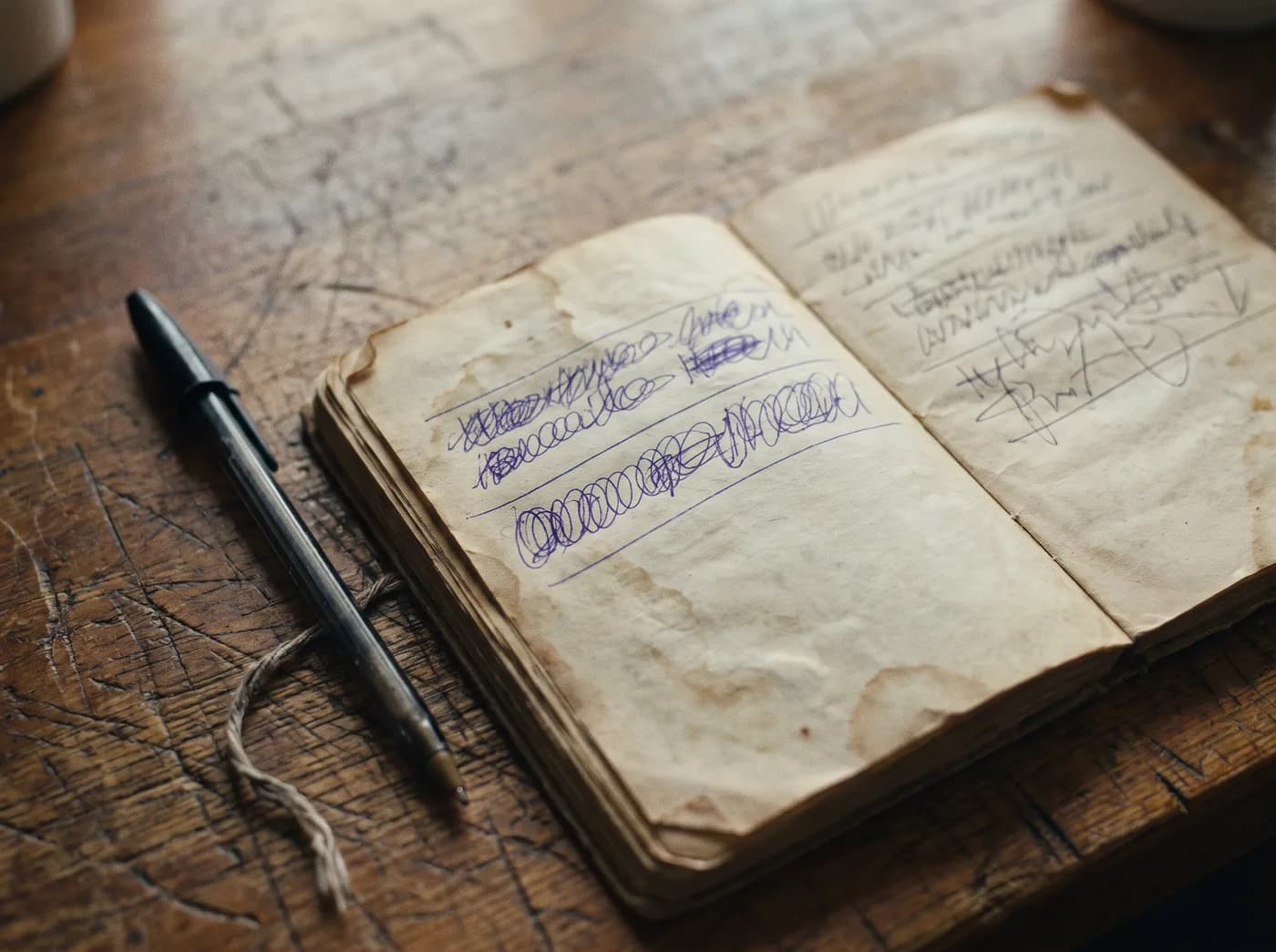
Paper can’t tell who signed.
A clock-in book lets a friend sign for a friend. Shepherd checks the face and the place, so you only pay for hours that were worked.
07Questions
What business owners ask us.
Is it really free?
Yes. Clock-in, timesheets, leave and staff documents are free. You only pay if you add extras like payroll export or shift planning.
Do my staff need a special phone?
No. They use the phone they already have. Android and iPhone both work.
Is our data safe?
Your data stays yours. We follow POPIA, and we never sell it.
I run a security company. Is this for me?
You can start here for free. Patrols, panic and push-to-talk are paid extras you can add when you register.
Shepherd · Free to start
Stop paying for hours nobody worked.
Run a security company? Add patrols, panic and push-to-talk.
For security companies