
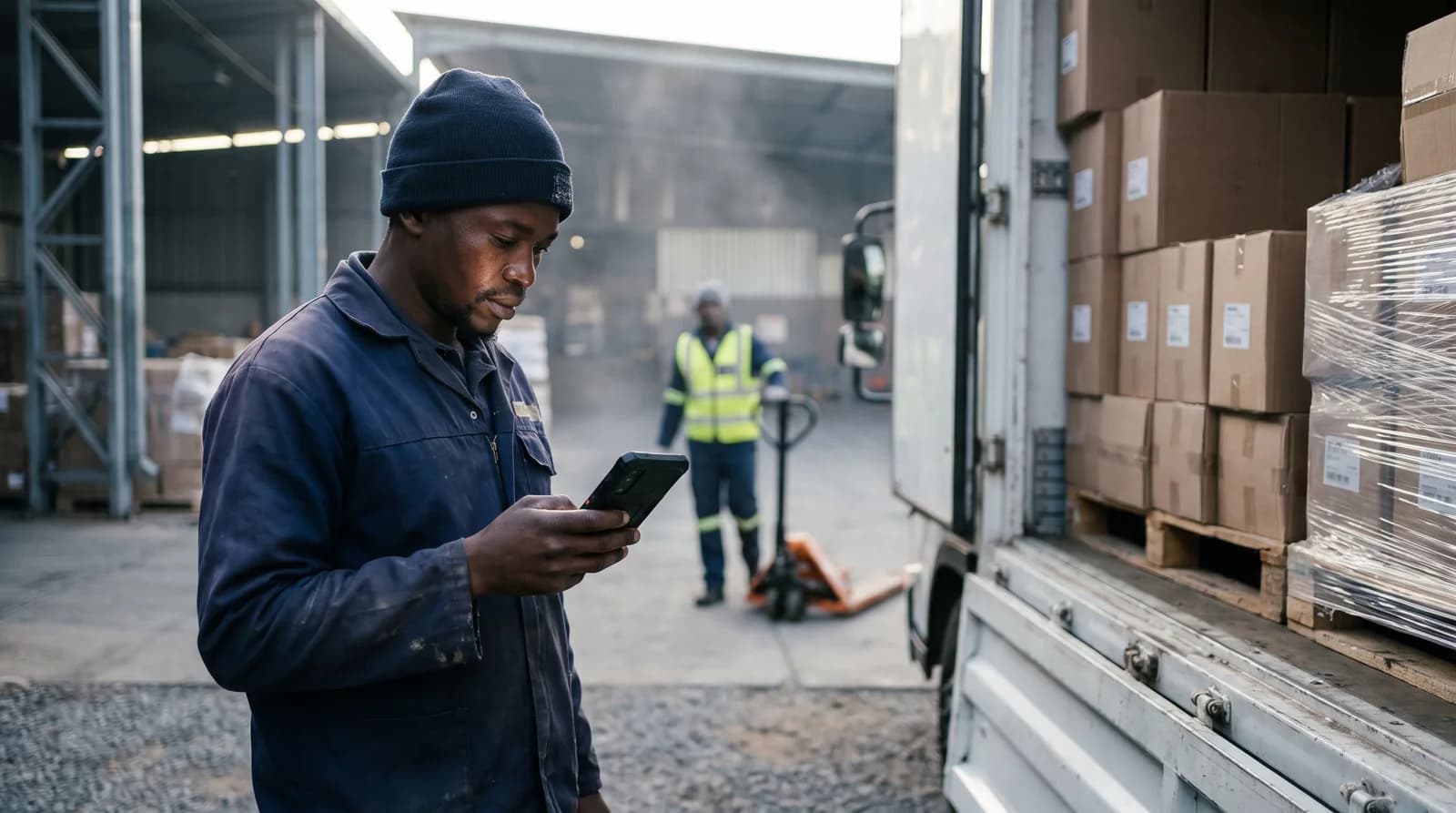
 Shepherd Kiosk
One device, everyone on site.
Shepherd Kiosk turns one device into an all-in-one terminal for your team. Face sign-in, patrols, push-to-talk, access control, tracking and SOS are ready for whoever is on shift.
One short sign-up. We set it up with you and WhatsApp you.
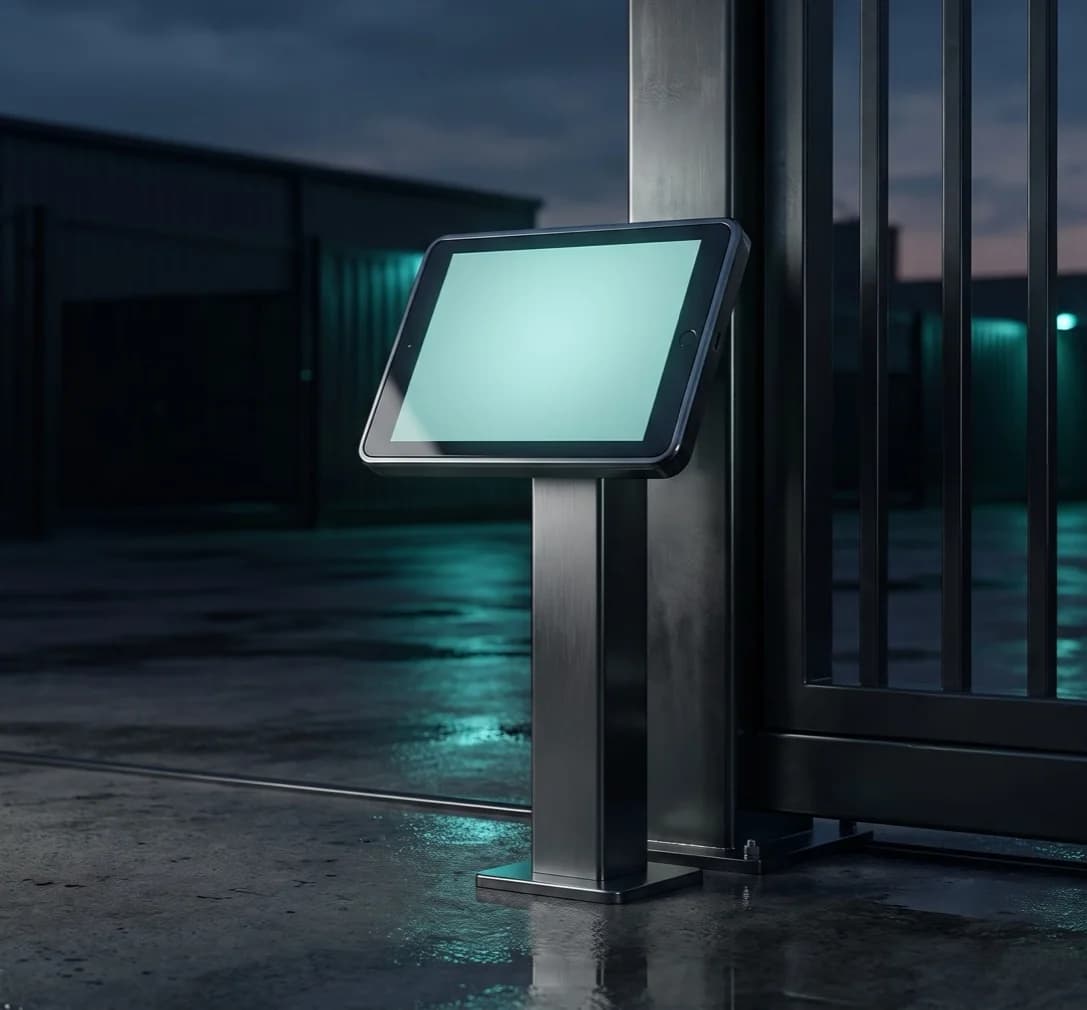

Sibusiso Ndlovu
Verified · Clocked in 05:52
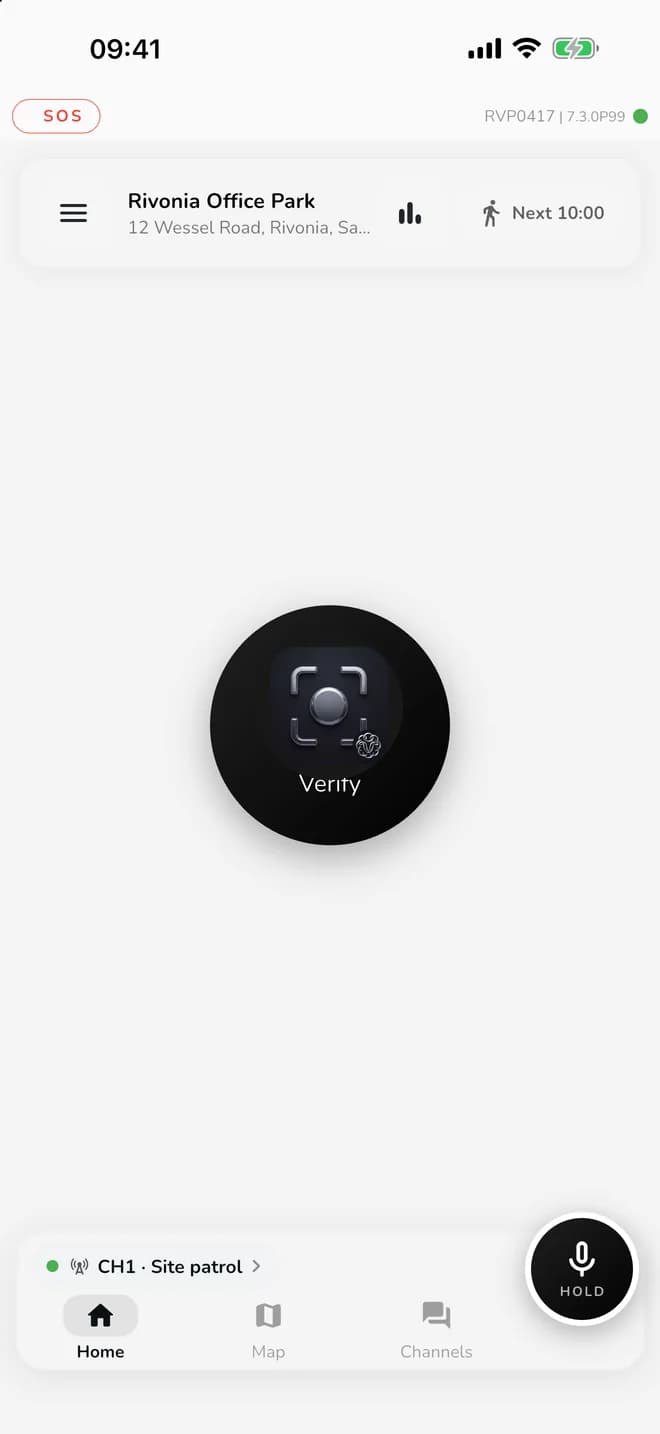
All in one
Everything the post needs.
- 01
Face sign-in
The right person on every shift and patrol.
- 02
Patrols
NFC, QR and location check-ins on a live map.
- 03
Push-to-talk
Channels for teams, sites and the control room.
- 04
Access control
Scan, record and manage entry at the gate.
- 05
Tracking
Know where your post and patrol are.
- 06
SOS
Help is one press away, on every screen.
Tracking and SOS
See your whole site, live.
The control room can follow the work at the post and on patrol. SOS stays on the screen, so the officer never has to look for it.
Rivonia Office Park
Day shift


- On duty
Sibusiso Ndlovu
Main gate
- 4 of 6
Ayesha Patel
Perimeter patrol
- 3 of 6
Thandiwe Mokoena
Block B round
- Moving
Johan van der Merwe
North fence
 On channel
Themba Mahlangu
Control room
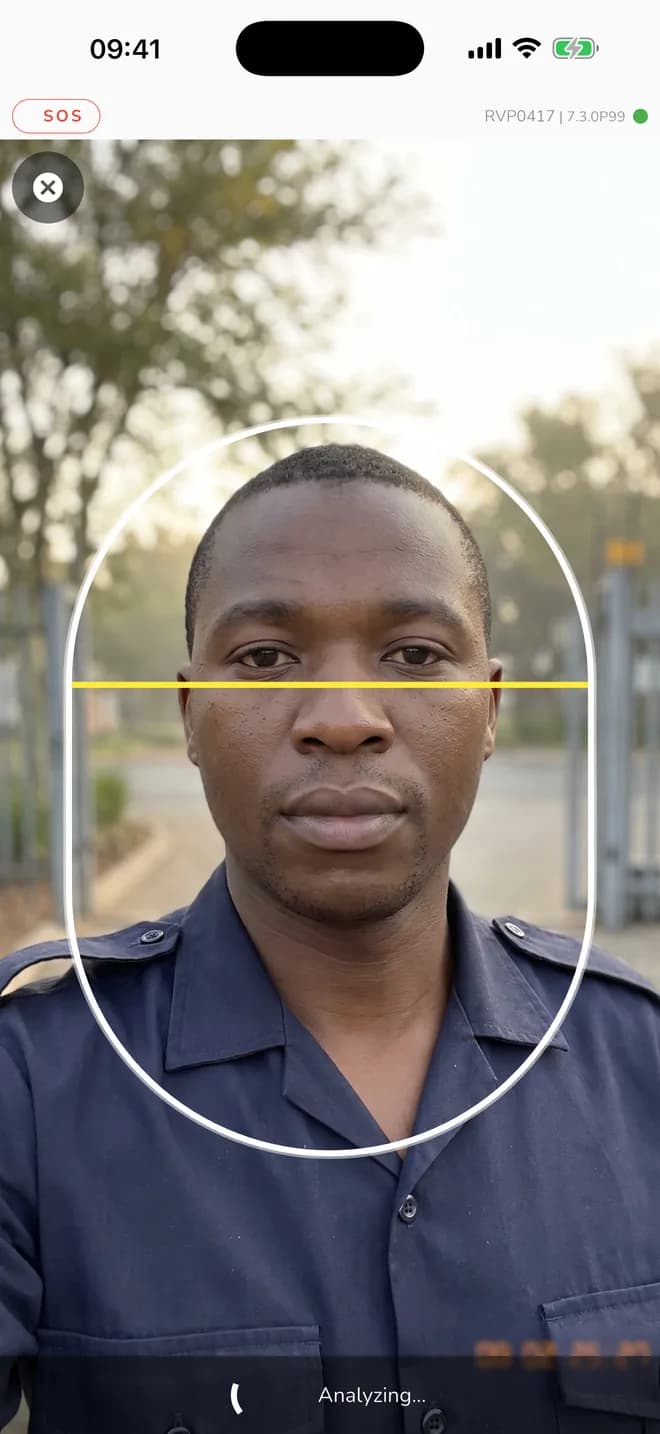
Face sign-in
One device. Every person recognised.
Each person signs in with their face, so a shared device still records the right name. The next person on shift signs in and carries on.
- Face check-in before a shift or patrol
- Start work, take a break and end work on the device
- Works shift after shift on one terminal
Face sign-ins
Main gate terminalSibusiso Ndlovu
Clocked in
05:52
Verified
Thandiwe Mokoena
Started Block B round
06:04
Verified
Ayesha Patel
Started perimeter patrol
08:30
Verified

Chantal Adams
Clocked in
08:41
Verified
Johan van der Merwe
Signed in at gate
09:12
Verified
A day at the post
Picture your team on one device.
Sibusiso Ndlovu
05:52
Signs in at the gate
Face check, site confirmed, shift started.
Ayesha Patel
08:30
Starts the perimeter patrol
The due patrol opens on the map.
Themba Mahlangu
09:41
Calls the gate
One press on the Site patrol channel.
Thandiwe Mokoena
11:20
Finishes Block B
Checklist submitted from the same device.
Ayesha Patel
14:05
Reports the north fence
Incident logged with a photo and location.

Kagiso Molefe
18:02
Takes over
Handover done, next face signed in.
Patrols
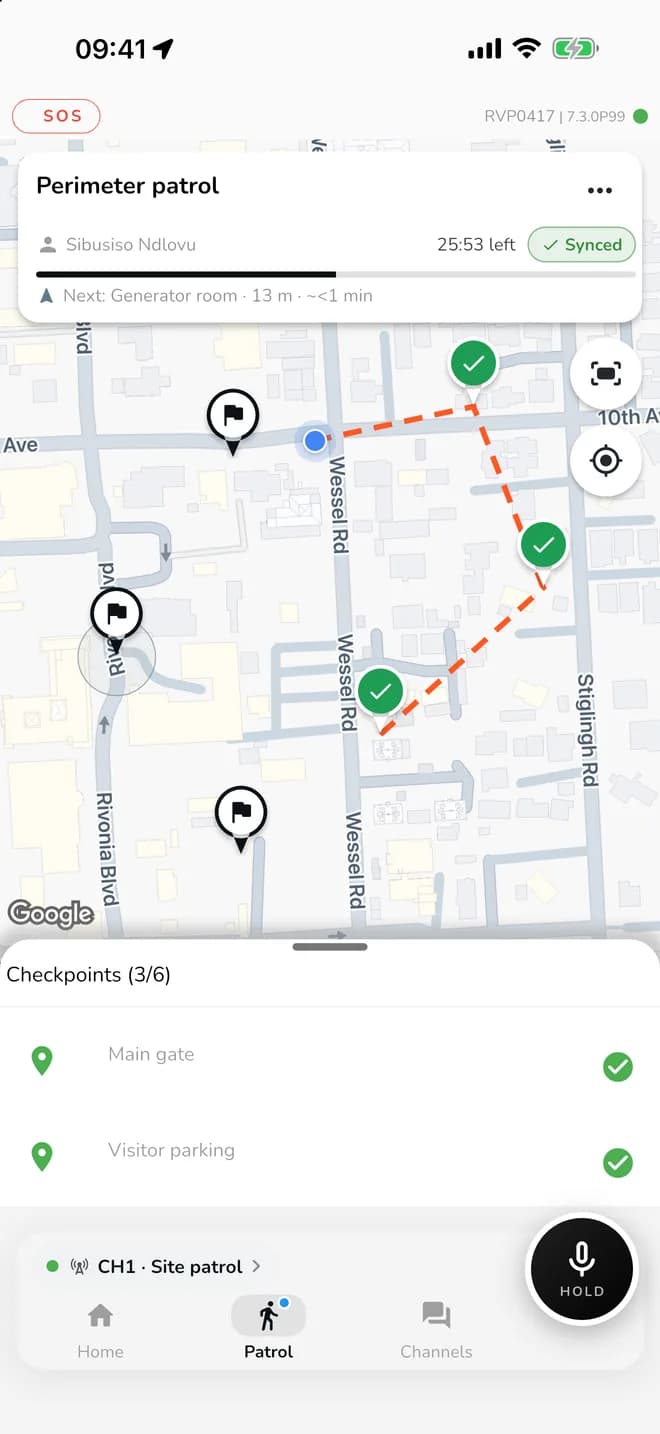
Patrols that are ready when the shift is.
Due patrols alert the device and appear on the map. The officer walks the route and checks in at every point.
- Check in by NFC tag, QR code or location
- Minimum travel times keep checkpoints at a steady pace
- Progress is saved on the device and syncs when there is signal
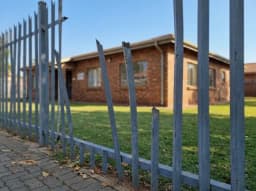
Incident on the round
North fence · photo and location attached
Push-to-talk and SOS
The radio is already on the terminal.
Hold to talk over mobile data. Channels keep the post, patrol team, supervisors and control room connected.
- Channels for each team or site
- See who is online and who is speaking
- Stays close while the officer is on patrol
Site patrol
6 online
Themba Mahlangu
Speaking
SOS received
Ayesha Patel
North fence · 14:06
Johan van der Merwe is responding
Access control
Your gate keeps the register.
Replace the visitor book with a real entry record. We can also supply and install the gate hardware around it, using the technology that suits your site.
- Scan the driver and vehicle disc
- Record every entry
- Stop a flagged car before the boom goes up
- Connect gates, face scanners and plate readers
Gate register
TodayJohan van der Merwe
09:12
Face match · Staff
In
HX 42 PL GP
09:26
Plate read · Delivery, Loading bay
In
Interview candidate
10:03
Visitor code · Code 4829
In
JK 18 TR GP
10:17
Plate read · Flagged vehicle
Refused
Your team
Everyone gets what they need.
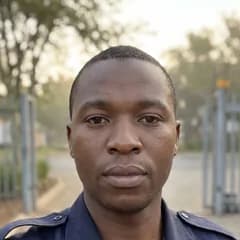
Officers
Sign in, patrol, talk and report from the post.

Site staff
Clock in, follow routes and complete checklists.

Supervisors
See who is on site and follow up what needs attention.

Control room
Talk to the post, see locations and respond to SOS.
More
And the rest of the shift.
- 01
Attendance
Clock in and out, with every shift on record.
- 02
Checklists and forms
Handovers and inspections, submitted from the device.
- 03
Incident reports
Photos and location, saved even without signal.
- 04
Training
Required courses, done on the device.
- 05
Tasks
The jobs for the shift, ticked off as they are done.
- 06
Assets
Equipment on site, checked and recorded.
- 07
Device checkout
Who has which radio or phone, and when it came back.
- 08
Documents to read and sign
Policies and site instructions, signed on the device.
- 09
Leave
Requests made from the post.
Where it fits
Built for places where people share a device.
From the front gate to the far corner of the farm.

- 01
Guardhouses and gates
One terminal for each post.
- 02
Estates
Entry records and patrols together.
- 03
Facilities and cleaning
Routes, checklists and attendance.
- 04
Sites and reception desks
A shared point for the whole team.
What you get
Everything to get your post running.
At your post
- A shared terminal locked to work
- Rugged phone or tablet, supplied if you need one
- NFC checkpoint tags for your rounds
- Gate hardware where your site needs it
In Shepherd
- Face sign-in for your team
- Patrol routes and checkpoints
- Push-to-talk channels
- Site map, tracking and SOS
- Attendance, incident and checklist records
With our team
- Setup with you on WhatsApp
- Your sites, people and channels configured
- Remote updates and device help
- Connections to your gates and systems
One short sign-up. We set it up with you and WhatsApp you.
Questions
Shepherd Kiosk questions.
What is Shepherd Kiosk?
Shepherd Kiosk is an all-in-one terminal on a shared device. Your team uses it for face sign-in, patrols, push-to-talk, access control, tracking, SOS and daily site work.
Can several people use one device?
Yes. Each person signs in with their face, shift after shift.
Does it work without signal?
Patrol progress is saved on the device and syncs when signal returns.
Do you supply the device?
Yes. We supply rugged phones and tablets, and set them up for Shepherd.
Can it connect to our gate or other systems?
Yes. We connect Shepherd to access control and other systems as part of a custom solution.
How do we get started?
Register with your business and sites. Our team then contacts you on WhatsApp to set it up with you.
What does it cost?
It depends on what your team needs. You see any prices when you register, and we confirm hardware before you commit.
Who makes Shepherd Kiosk?
Shepherd is workforce software from Atex Solutions, a South African company. It runs on more than 5 000 sites.