
Shepherd · For security companies
Prove every patrol.
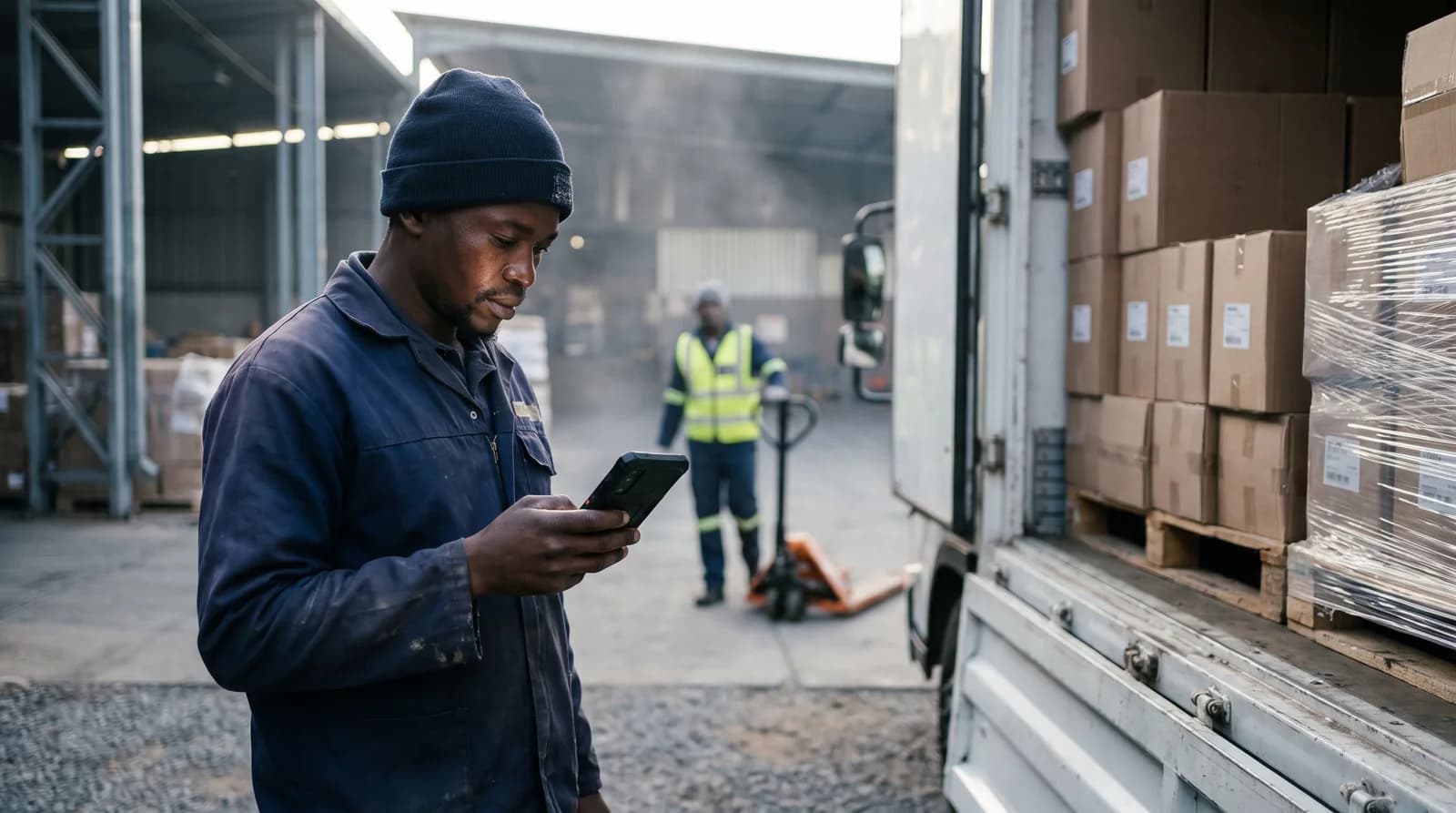
Patrols, live tracking, panic, push-to-talk and dispatch on one rugged phone per post. It works offline. Your client sees every round.
Free
to start.
No card needed.
- Clock-in and time and attendance
- Add push-to-talk, tracking and training when you need them
- Set it up yourself and start today
Need a paid feature? You see its price at the end of sign-up.
- Patrols with NFC checkpoints
- Live tracking and geofences
- Panic and man down
- Push-to-talk on the phone
- Dispatch guards to a call
- Works offline
- Client reports and client login
- Occurrence book and incidents
- Training courses (LMS)
- Support
More than an app.
You get more than software. Here is what else comes with it, and what we promise.
For your guards
Free courses
First aid, radio talk and incident reports, with a certificate for each.
01All in one
One phone at the post. Five suppliers gone.
Stop paying for radios, trackers, a patrol app and panic buttons from different people. One app. One number to call.
- Two-way radiosPush-to-talk on the phone
- Vehicle and guard trackersLive tracking and geofences
- A patrol app or clockNFC checkpoints, proven
- Panic buttonsPanic and man down
- Paper occurrence bookIncidents with photos
- Monthly report by handClient login and reports
02On the night
What happens on one phone.
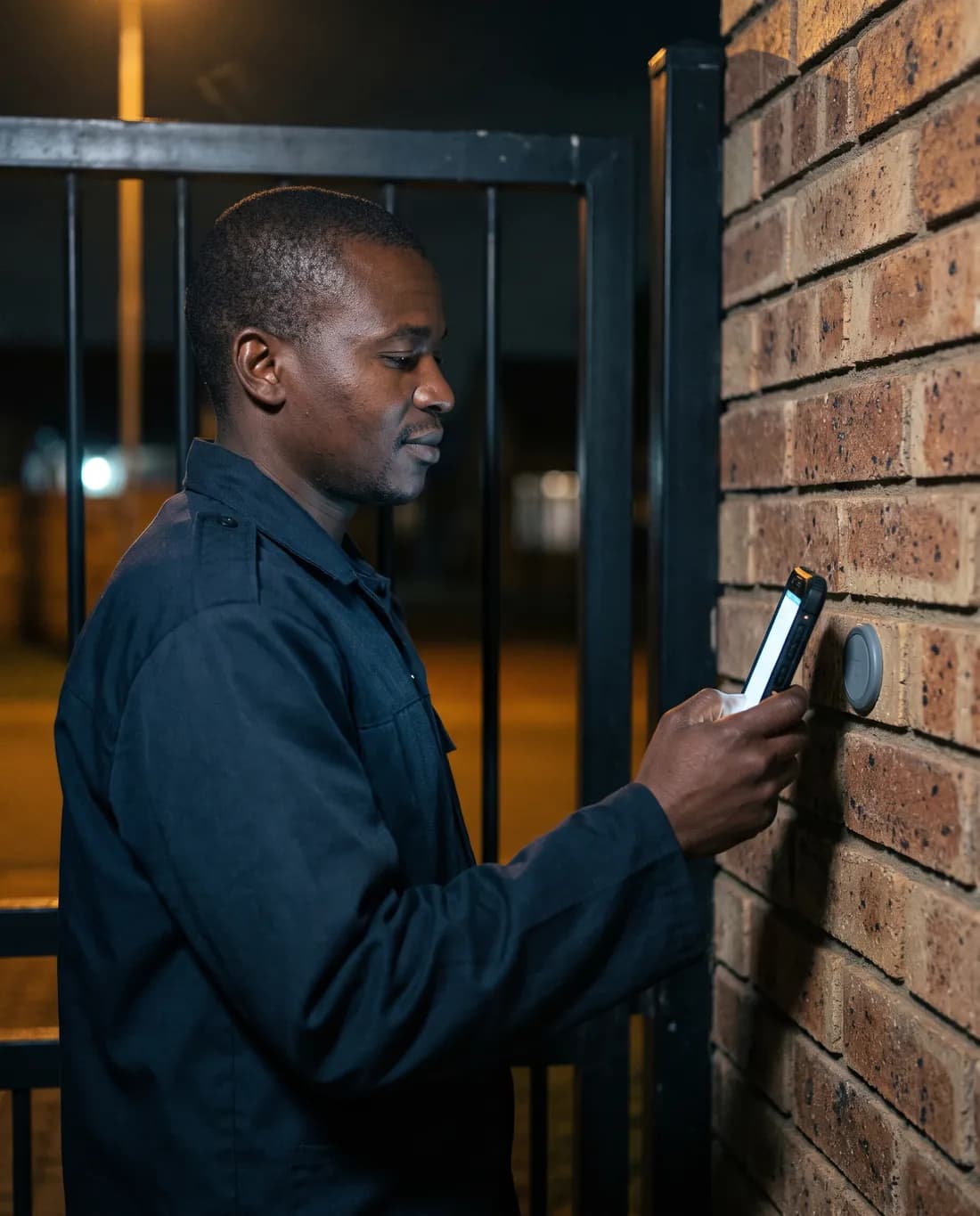
The guard patrols, calls for help, talks and gets sent where he is needed. Your control room sees it all, live.
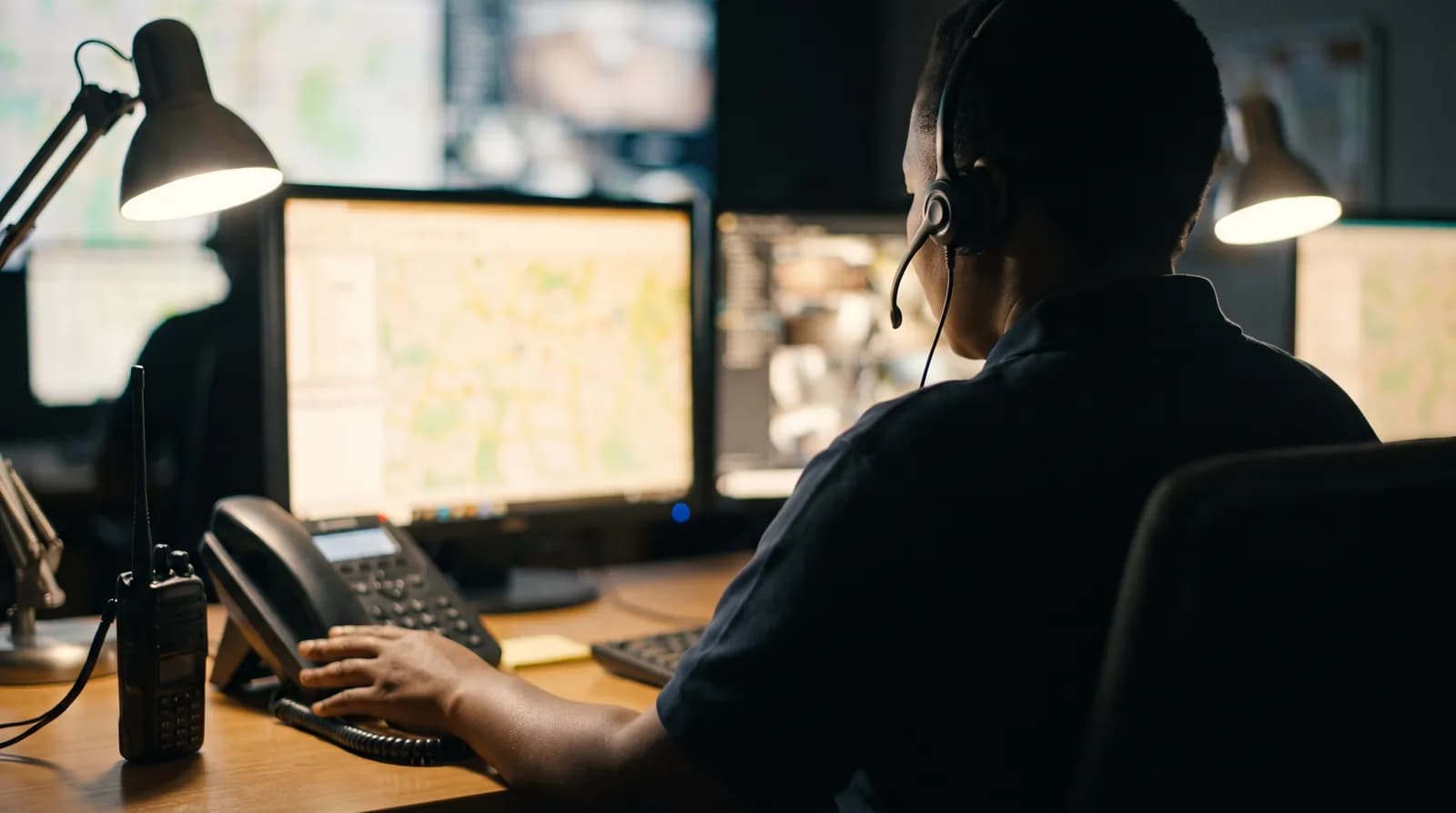
Your control room sees every guard, live.
Who is on duty, who is on patrol, and where. Inside the geofence or not.
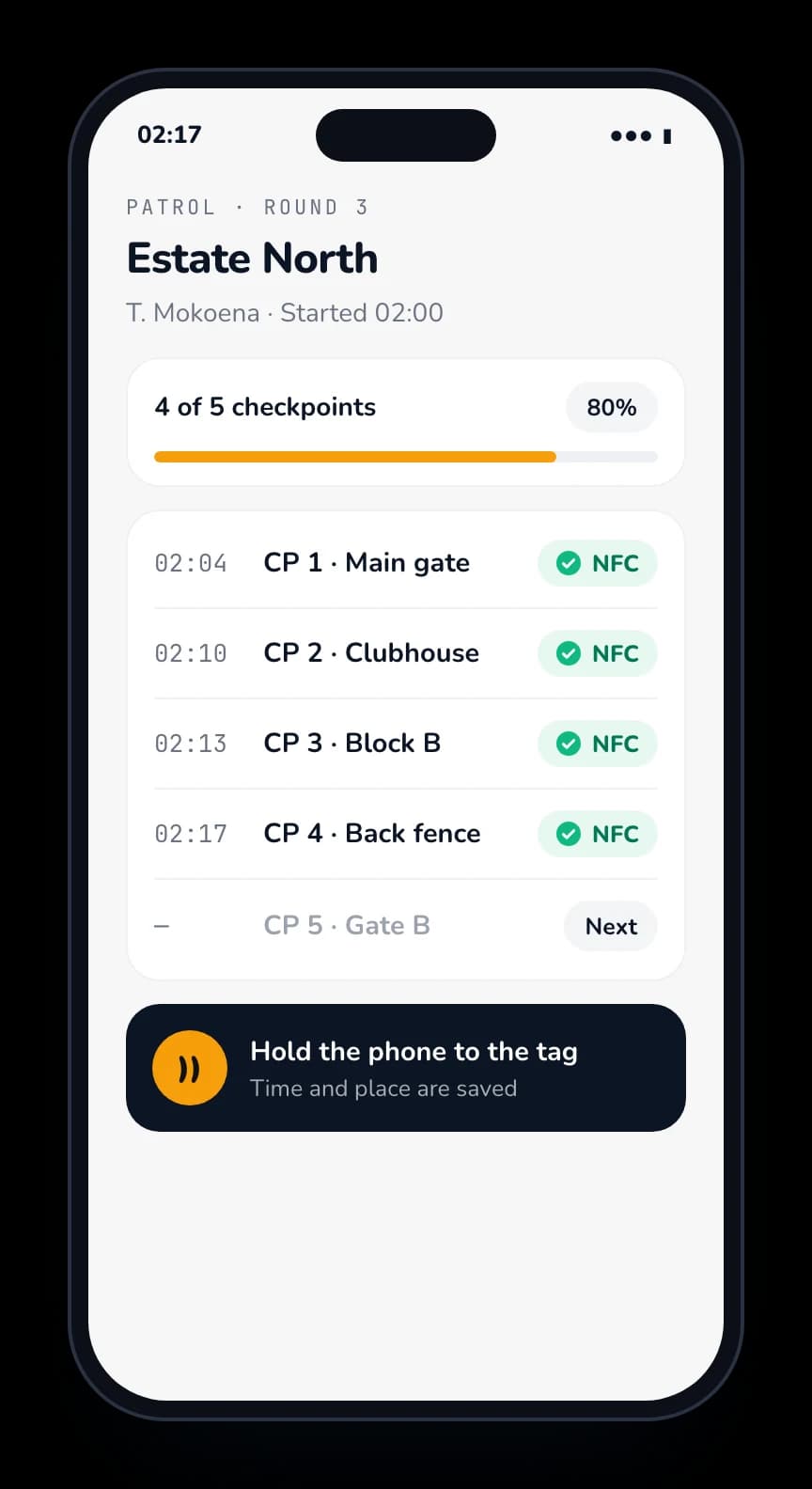
Every checkpoint, with the time and the place.
Your guard taps each NFC checkpoint on the round. It is saved, not written.
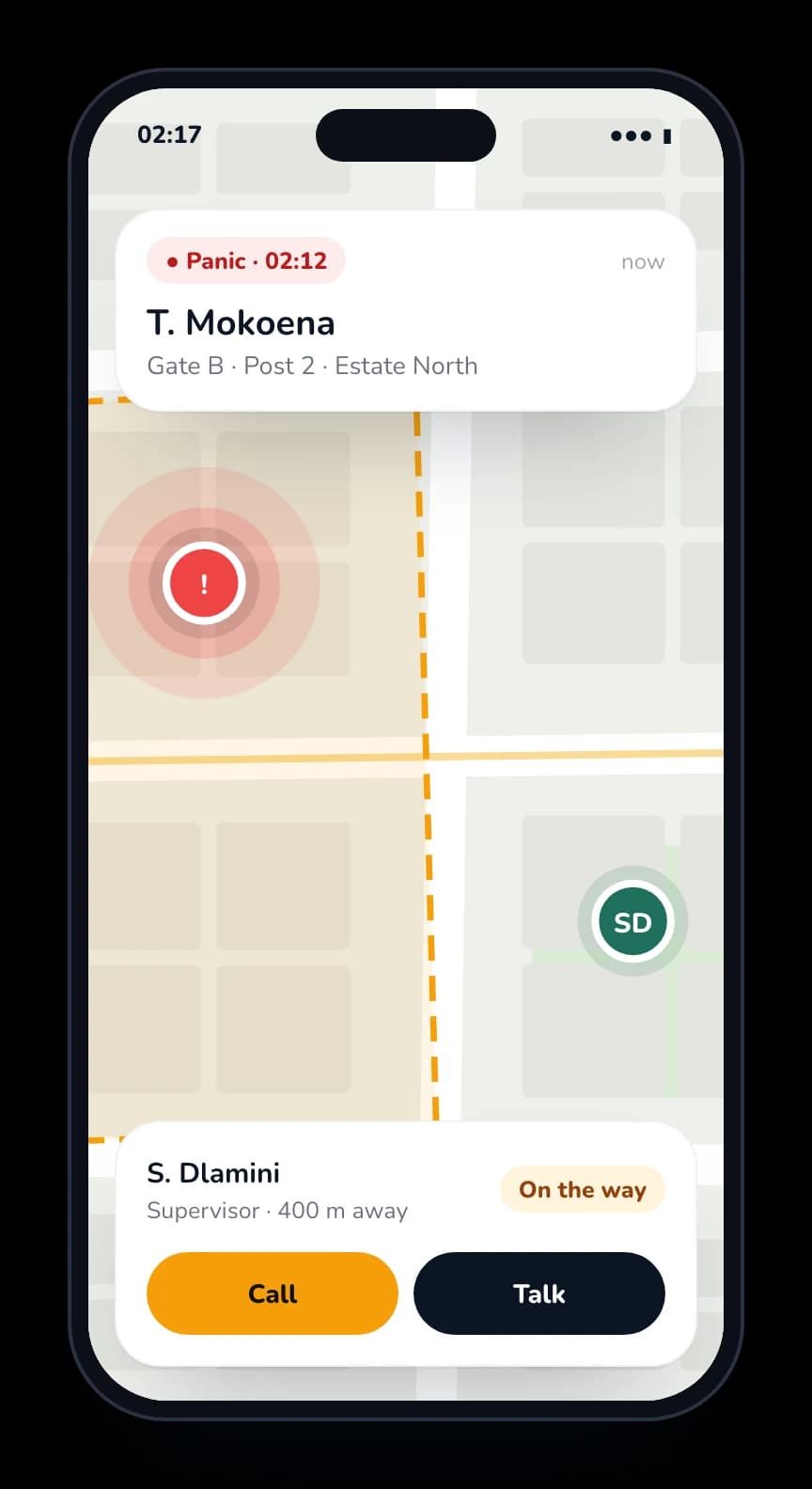
One press, and the control room sees where.
Panic and man down are on the phone. The supervisor gets the alert and the map.
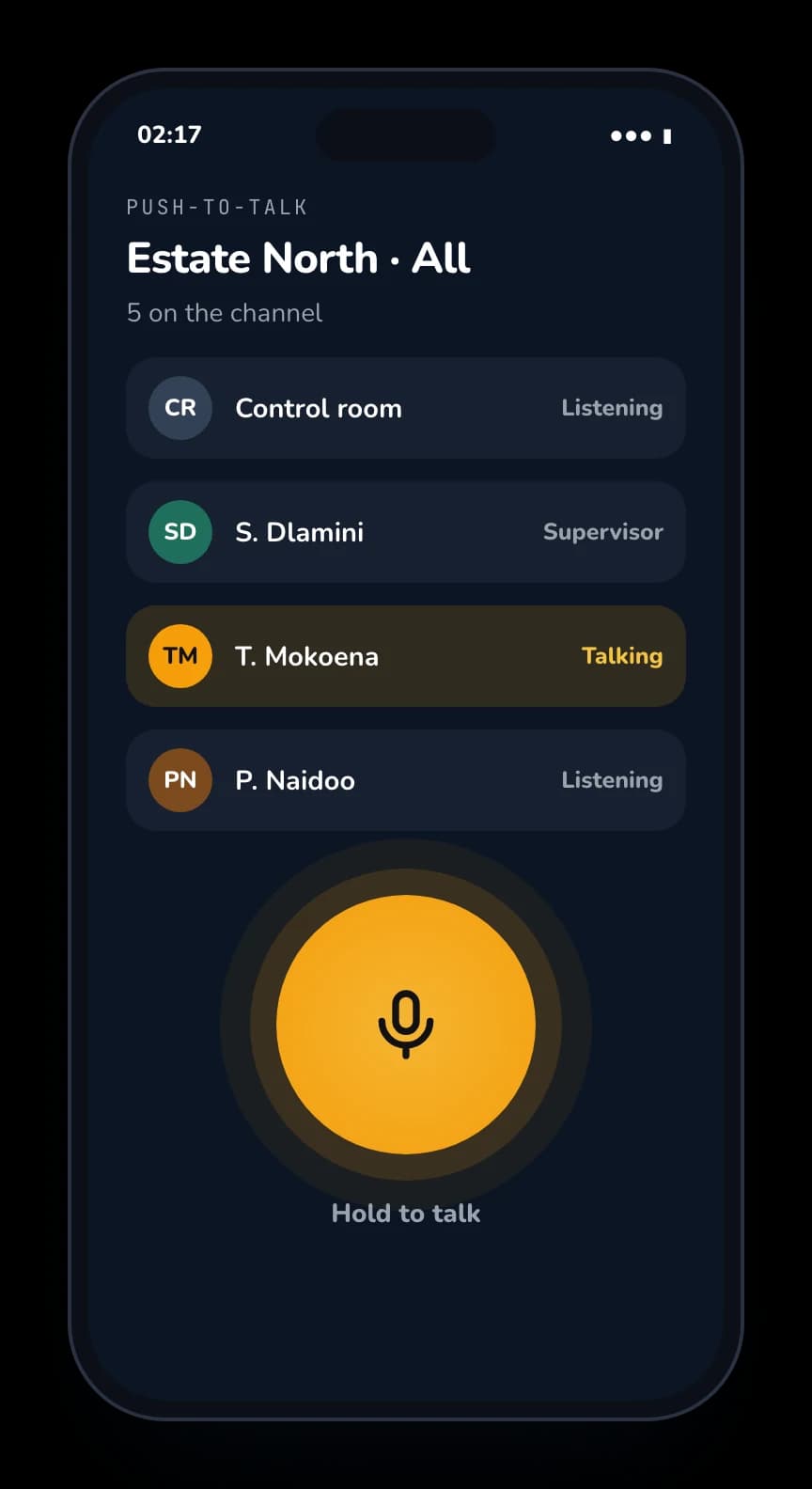
Talk on the phone. Most clients don’t need radios.
Guards, supervisors and the control room on one channel, over mobile data.
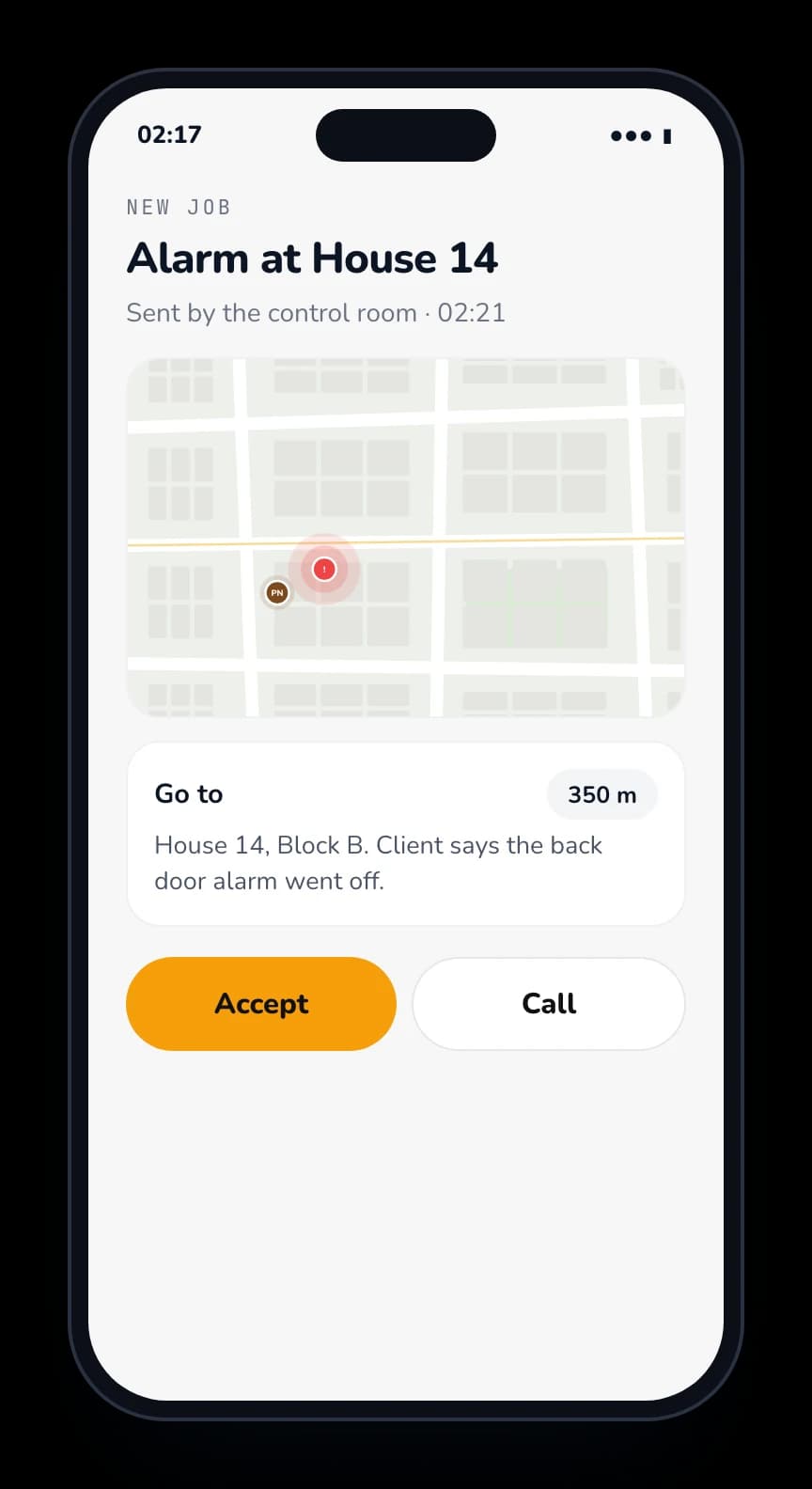
Send a guard to a call.
The control room sends a guard or supervisor to a call, straight to their phone.
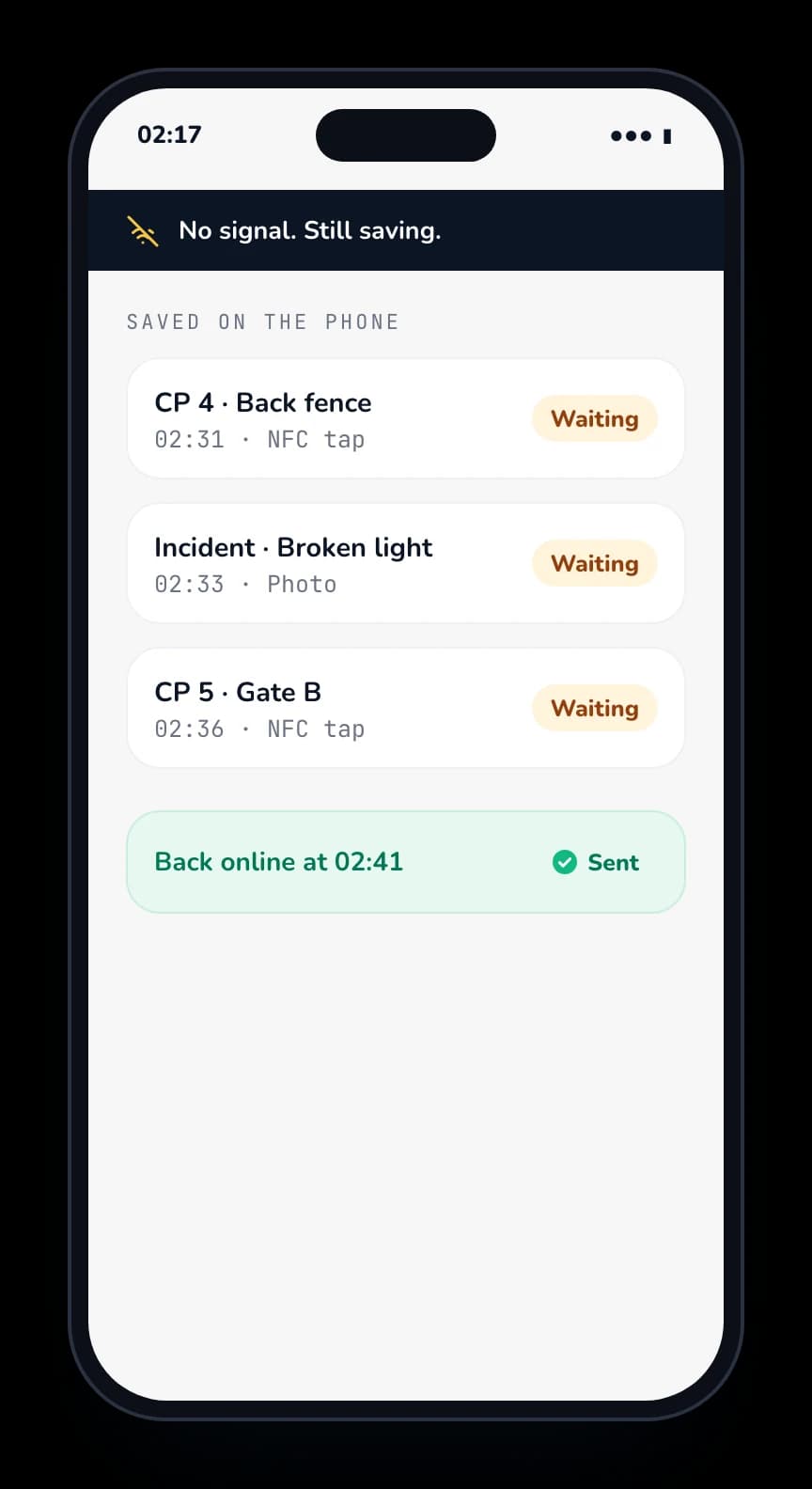
No signal? It keeps working.
Taps and incidents are saved on the phone and sent when it is back online.
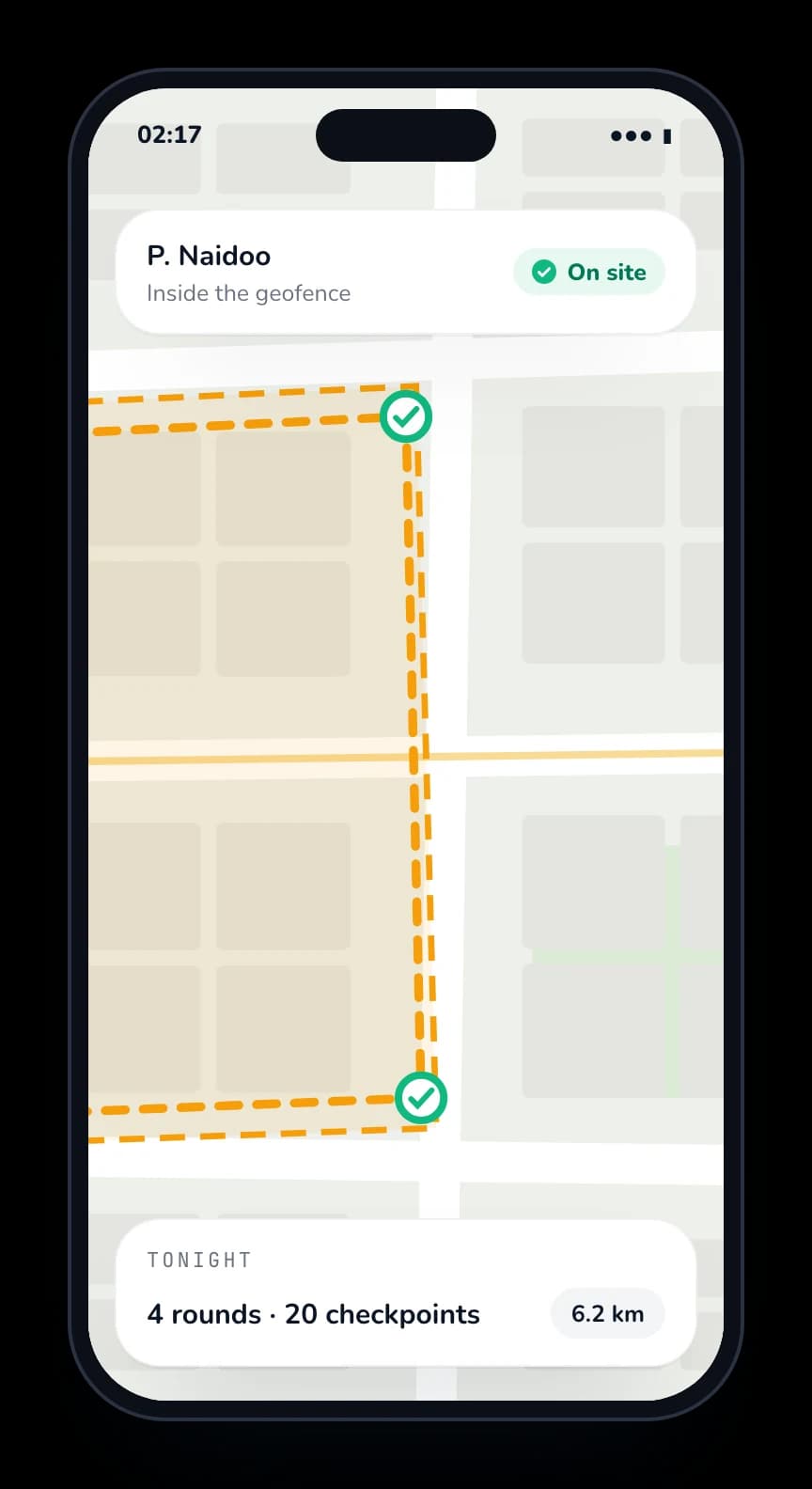
Live tracking and geofences.
See every guard on the map. Know when someone leaves the site.
03At the gate
Gate access on the same phone.
No separate licence scanner and no visitor book. The guard at the boom scans, checks and records every car on the device he already carries.
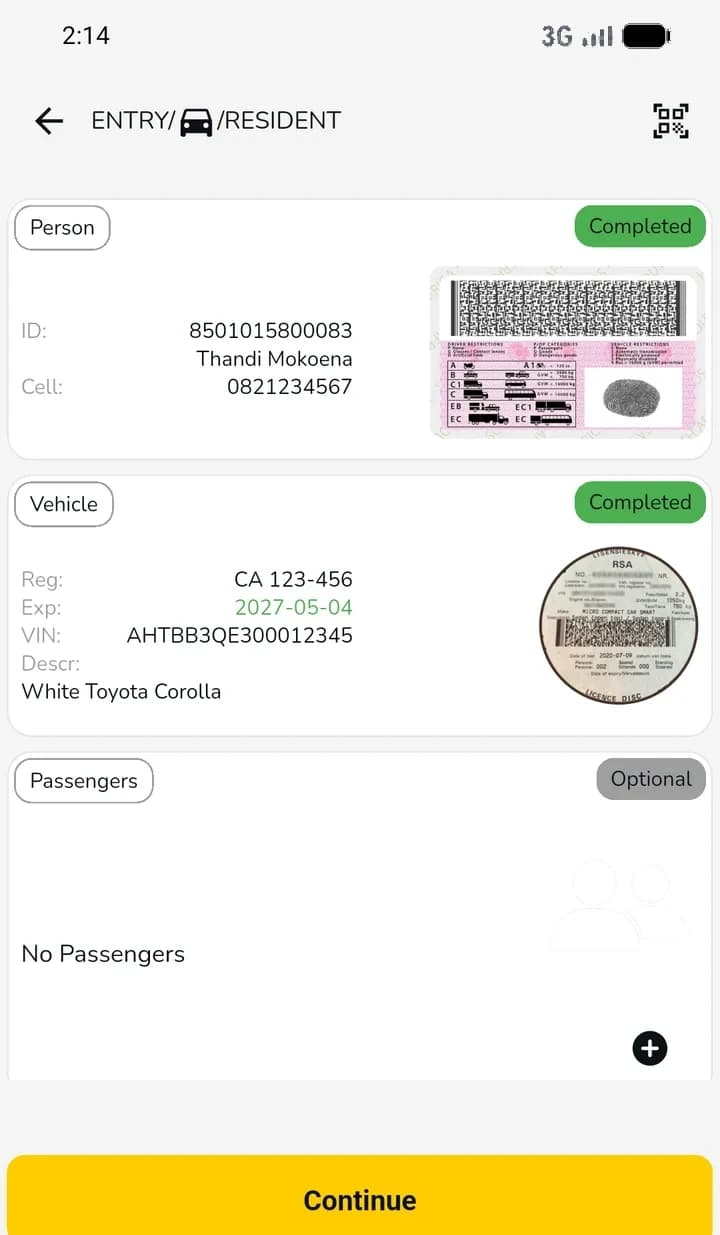
Scan the driver and the disc
The guard scans the driver’s licence and the car’s licence disc. ID, cell number, registration, expiry and VIN fill in by themselves. No more writing plates in a book.
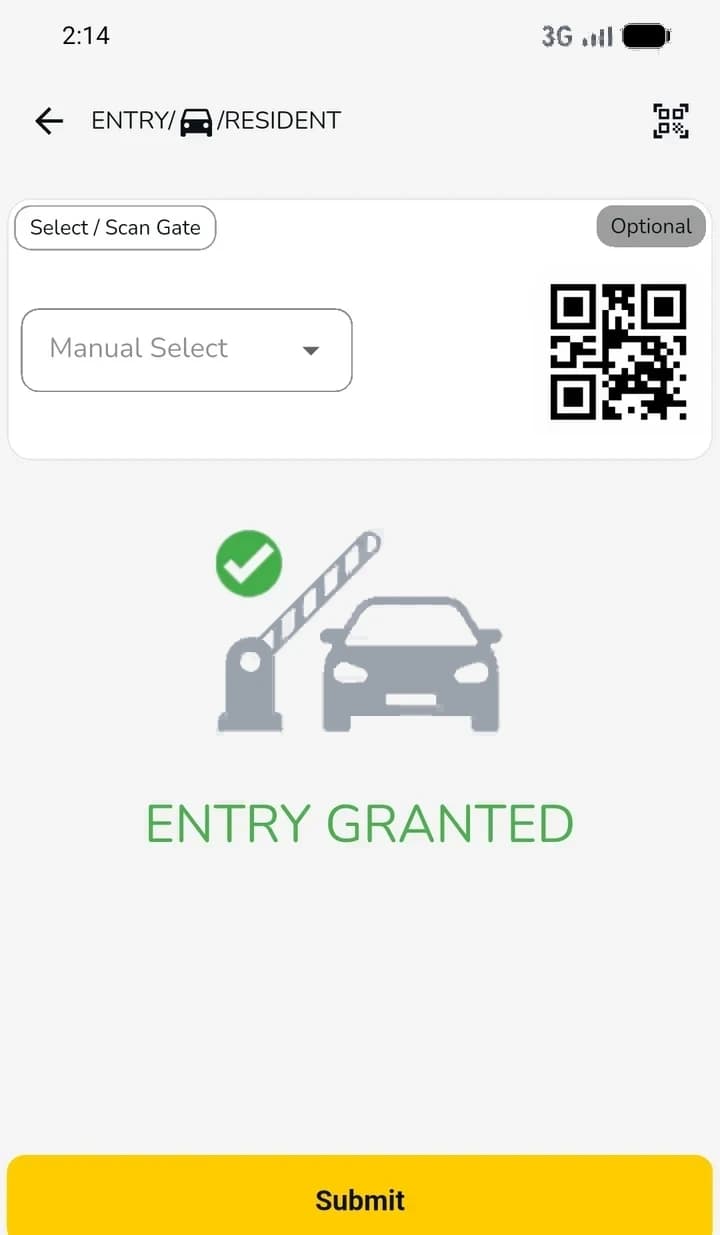
Record every entry
Pick or scan the gate and submit. The entry is recorded, so you have a real visitor log instead of a book.
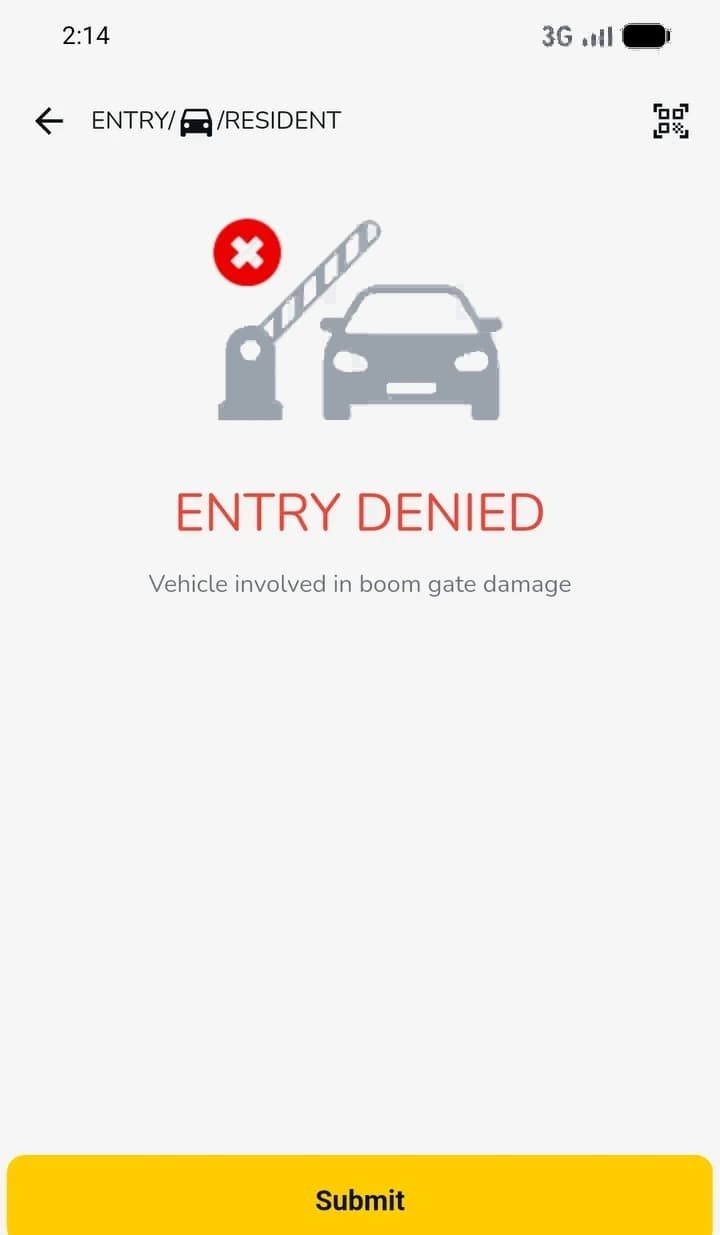
Stop a flagged car
A flagged car is refused before the boom goes up, with the reason on screen, like damage to a boom gate. The guard does not have to remember it.
04What your client sees
Send the proof before they ask.
Every patrol, checkpoint and incident, with the time and the place. Your client logs in, or the report goes out on its own.
“We finally know our guards are doing their rounds. Every checkpoint is logged, and we can see it in real time.”
 DEKA Specialized ServicesVIP protection and guarding
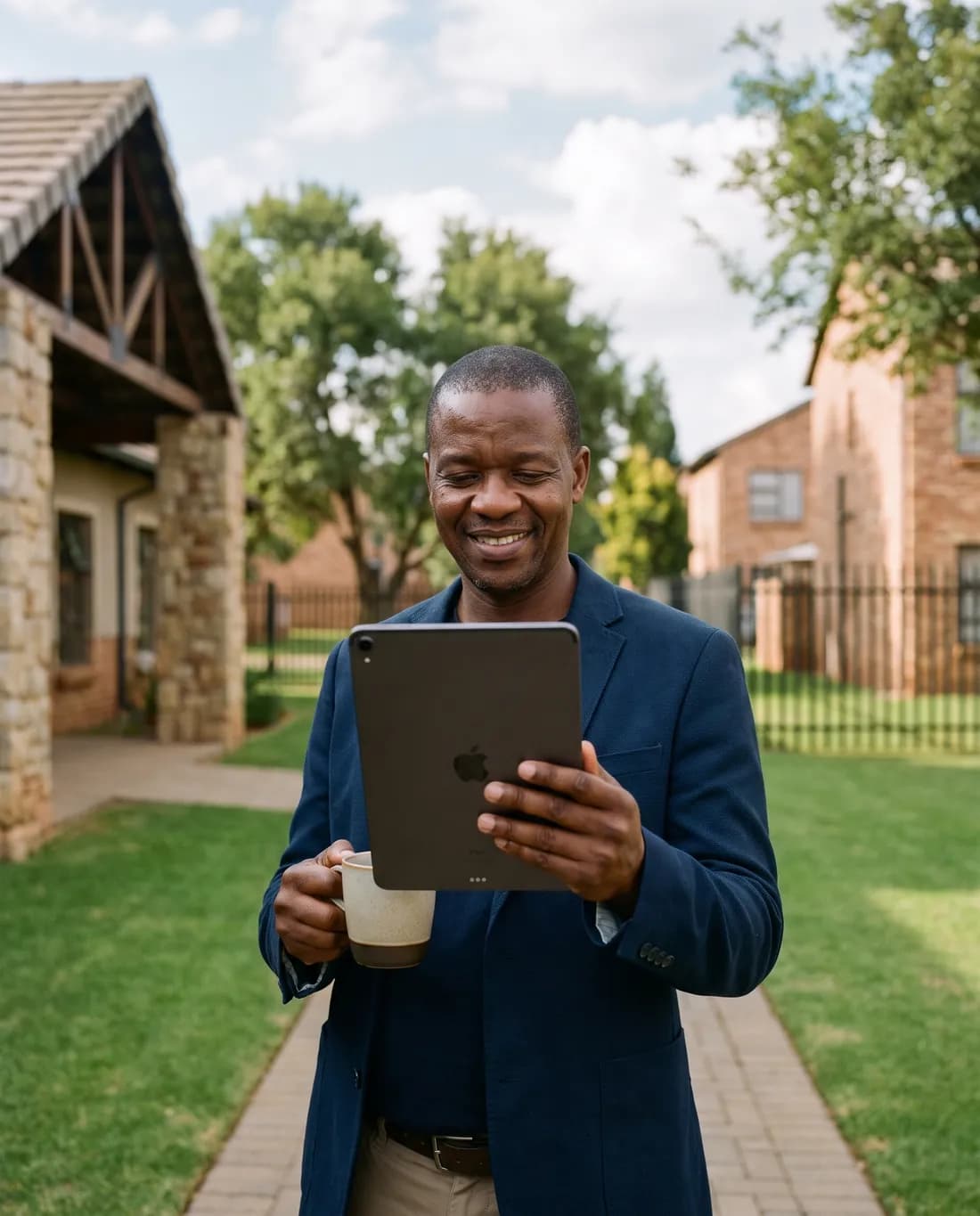
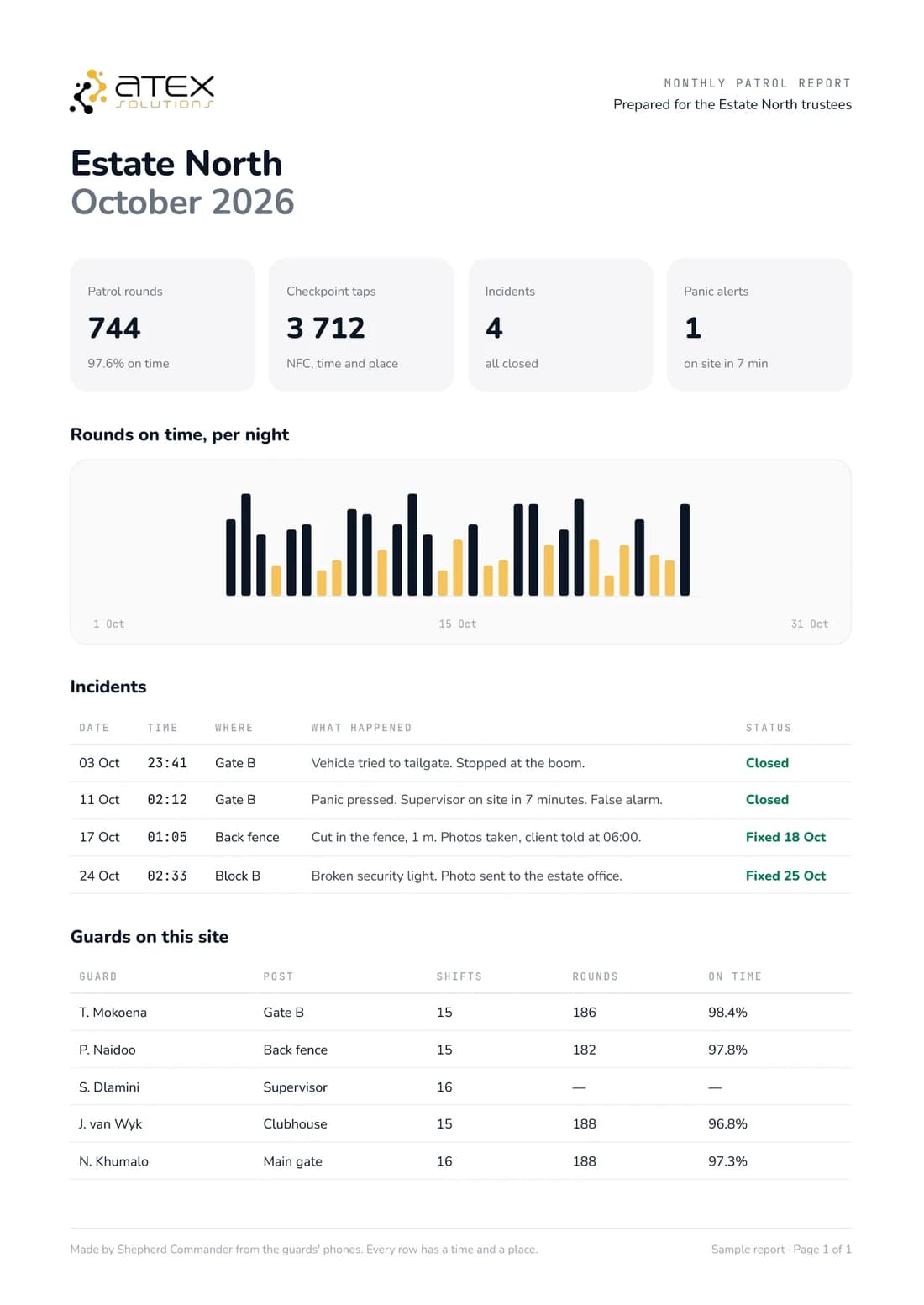
The month on one page, for the trustees.
See a sample report (PDF)05Start free
Free to start. No card needed.
Sign up and start today. Or tell us about your sites and we help you set it up.
Start free
Free to start. No card needed.
The basics
Clock-in and time and attendance for every guard.
- Clock-in with a face and GPS check
- Time and attendance
- Timesheets
- See who is on duty
Everything in one
Push-to-talk, tracking, training and the rest, all in one.
- Everything in the basics
- Push-to-talk on the phone
- Live tracking and geofences
- Patrols with NFC checkpoints
- Panic and man down
- Training courses (LMS)
- Client reports and client login
Need a paid feature? You see its price at the end of sign-up.
- To start
- Free. No card needed.
- Set-up
- Do it yourself, or we help you
- Paid features
- Priced at the end of sign-up, only if you need one
“The system is simple to use and just works. Our team picked it up in no time.”
DEKA Specialized ServicesVIP protection and guarding“The support team at Atex Solutions has also been outstanding, always responsive, knowledgeable and ready to assist.”
 Himax Security GroupGuarding
“Throughout our business relationship with ATEX Solutions, they have always demonstrated professionalism, reliability, and commitment to delivering quality products and services.”
 Proven ProtocolFacilities and logistics
06Questions
What security companies ask us.
What does it cost?
It is free to start. No card needed. Some features are paid. If you need one, you see its price at the end of sign-up.
Do we still need radios?
Most clients don’t. Push-to-talk works on the phone over mobile data, so guards, supervisors and the control room can all talk.
Can I try it first?
Yes. It is free to start, so sign up and try it on your own sites today. No card needed.
Can my client see the patrols?
Yes. Your client gets a login and reports that show every patrol, incident and post.